


Setting Up a DNS Sinkhole with ESP32
Setting up a DNS sinkhole through Pi-hole has become a popular practice among self-hosting enthusiasts. While the Raspberry Pi has been a go-to choice for this task, there’s a lesser-known contender that offers similar functionality at a fraction of the cost and size: the ESP32 microcontroller.
An ESP32 is enough for this job
You just need enough memory
The ESP32, a staple in the IoT realm, might seem underpowered for a DNS sinkhole, but it proves to be surprisingly efficient. I discovered this after setting one up myself using s60sc’s ESP32_AdBlocker, an Arduino sketch that transforms an ESP32 into a DNS sinkhole. It works by redirecting any request to domains on its blocklist to 0.0.0.0, effectively preventing ads or trackers from loading. Requests to domains not on the list are forwarded to an upstream DNS server, such as Cloudflare’s 1.1.1.1.
However, not all ESP32 boards are suitable for this task. Memory is a crucial factor, and the project documentation recommends using a board with PSRAM to accommodate a modern blocklist. An ESP32-S3 with 8MB of PSRAM can handle a full-size list, whereas older models with 4MB may require a trimmed blocklist. My setup uses an N16R8 variant with 16MB of flash storage and 8MB of PSRAM, connecting to my network via 2.4GHz Wi-Fi.
Integrating the ESP32 into your network is straightforward. I reserved an IP address for it in my router’s settings and set this address as the primary DNS server. This approach avoids the need to adjust DNS settings on individual devices, ensuring the ad-blocker functions consistently across all network devices.
Processing power is not a limitation
A DNS sinkhole doesn’t need much
While the ESP32 isn’t as powerful as a Raspberry Pi, DNS tasks are lightweight, making it an excellent fit. DNS simply translates domain names into IP addresses, and once resolved, devices connect directly to the server. This setup ensures the ESP32 doesn’t affect bandwidth, as it only handles initial connection requests, which are often cached by devices for repeated visits.
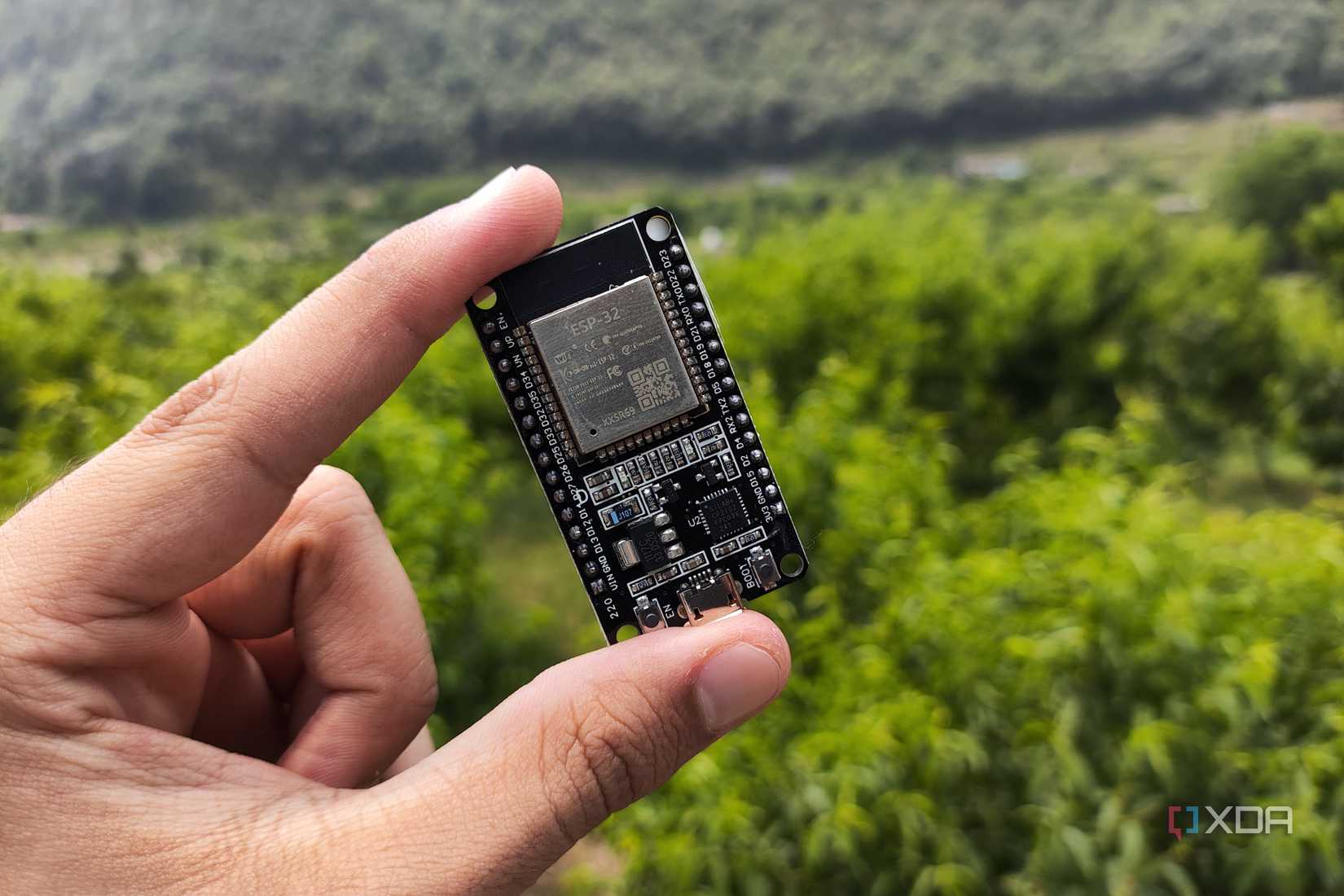
Most lookups are processed swiftly, with blocklist checks taking under 50 microseconds on an ESP32-S3 with 8MB of PSRAM. However, the board’s location can impact performance. It uses 2.4GHz Wi-Fi, so placement away from interference is crucial to minimize delays or dropped requests. Scheduling blocklist updates overnight can also optimize performance.
It can’t do everything a Pi-hole can
There are some key limitations
While the ESP32 is effective, it doesn’t offer the comprehensive features of a Pi-hole. The ESP32 supports only one blocklist URL, requiring a combined list capped by the board’s PSRAM. In contrast, Pi-hole accepts multiple blocklists and can apply them to specific device groups for tailored blocking, such as parental controls.
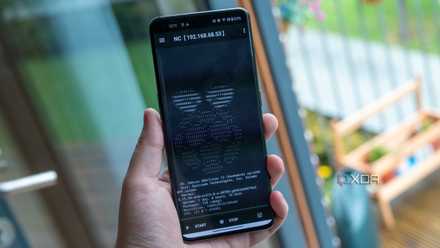
Additionally, while the ESP32 provides live logs and query counts, Pi-hole maintains a detailed query database accessible via a user-friendly web interface. Pi-hole can also function as a DHCP server, although this isn’t recommended.
One of the best ways to use a microcontroller
Using an ESP32 for ad-blocking is an excellent choice for those not already using a DNS sinkhole. While it lacks advanced features that power users might need, it offers a cost-effective, low-power solution for basic network-wide ad-blocking. For households seeking a set-it-and-forget-it approach, the ESP32 is a practical and efficient option.
For more information, you can visit the original source Here.
