


Google Photos for Android Unveils a Customizable Collections Tab
Google Photos, a staple in digital photo management, is rolling out a significant redesign for its Android app. This update, which follows the floating navigation bar introduced in July, allows users to customize the Collections tab extensively. The enhancement marks a significant shift in how users can interact with and organize their photo libraries, emphasizing personalization and ease of access.
The Evolution of Collections
Previously, Google Photos’ Collections tab featured a 2×2 grid at the top, showcasing Favorites and Trash, with two additional shortcuts that adapted based on user activity. The interface included large cards for various categories such as Albums, On this device, People & pets, Wardrobe, Documents, Places, Stickers, and Moments. This was followed by a list view, which included Screenshots, Videos, Recently Added, Archive, and Locked.
Old


A New Era of Customization
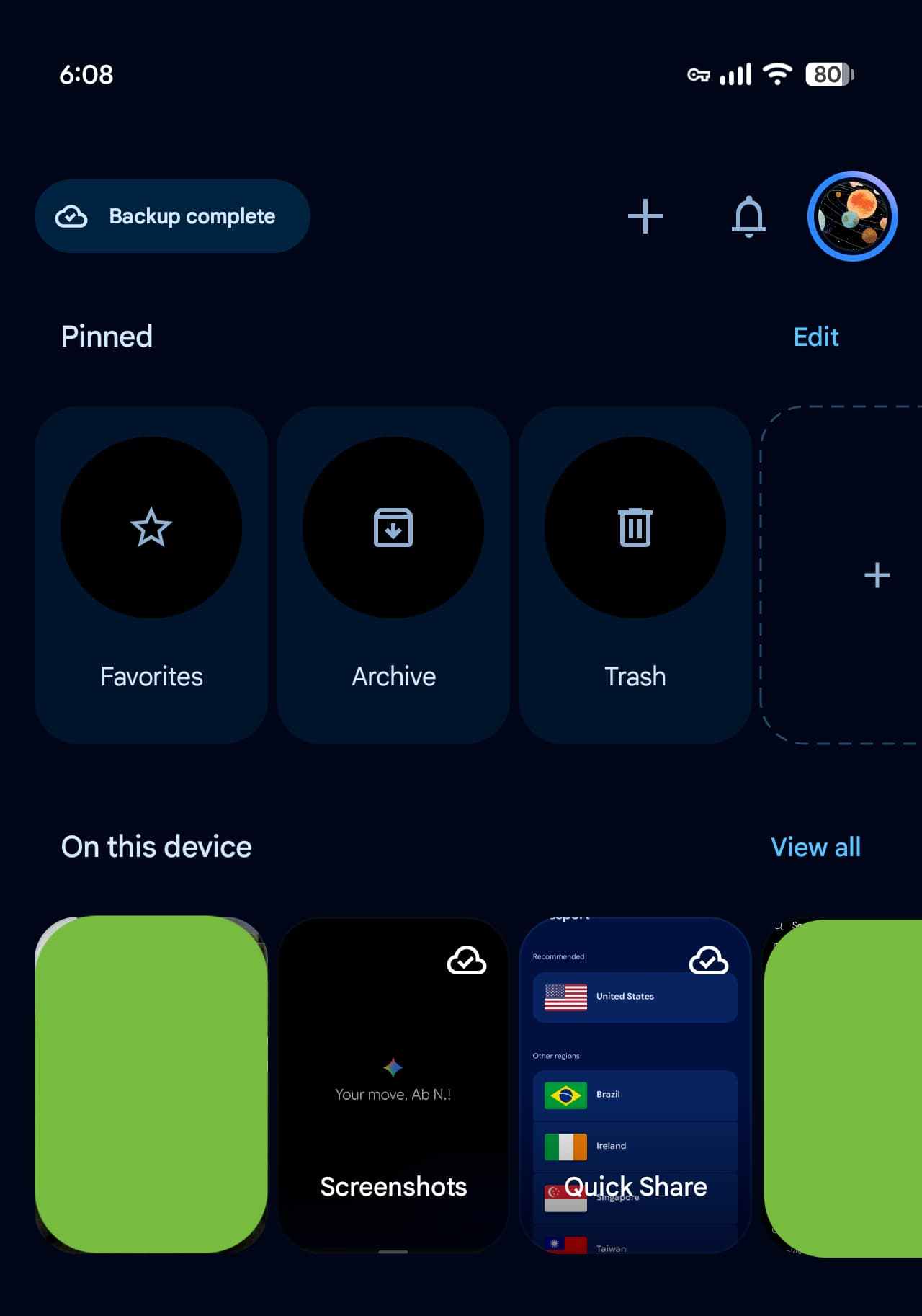
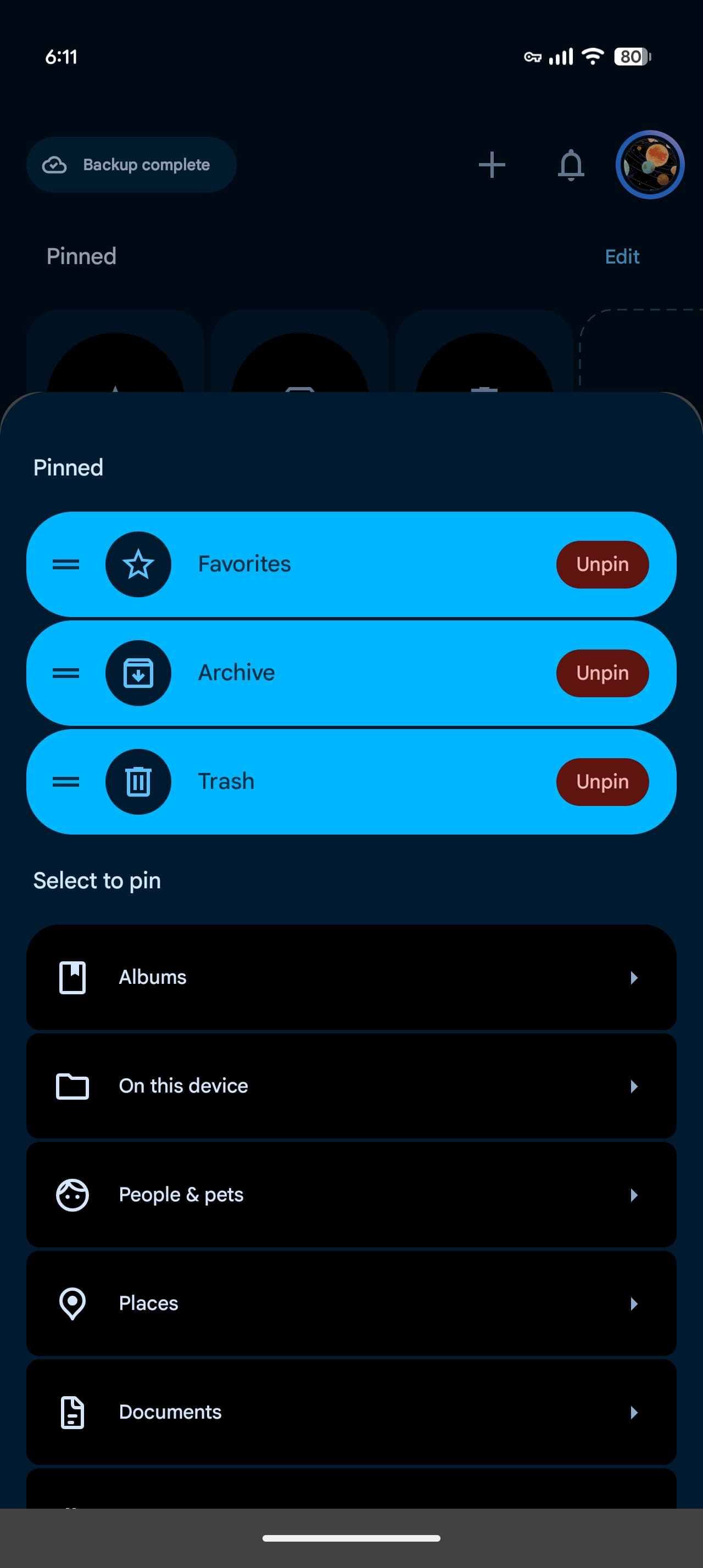
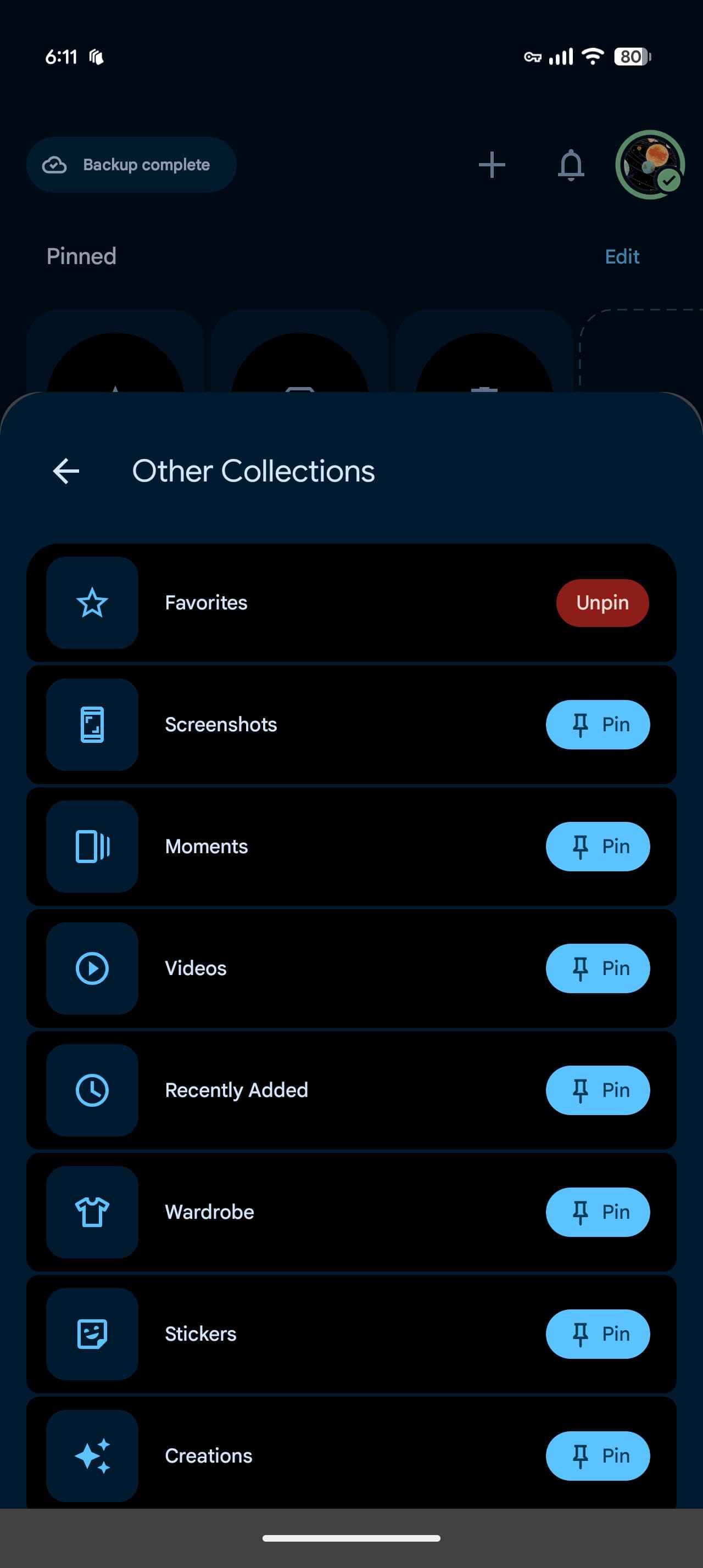
The newly redesigned Collections tab emphasizes user customization, starting with a “Pinned” section. This feature allows users to select which cards appear in the carousel, with Favorites, Screenshots, and Trash as the default options. Users can choose to remove this section entirely if desired.
Following the Pinned section are carousels for categories such as On this device, Albums, People & pets, Wardrobe, Places, and Documents. A “View all” button in the top-right corner provides direct access to full grid or list views. Users can also hide sections or rearrange their order, offering a tailored experience.
New
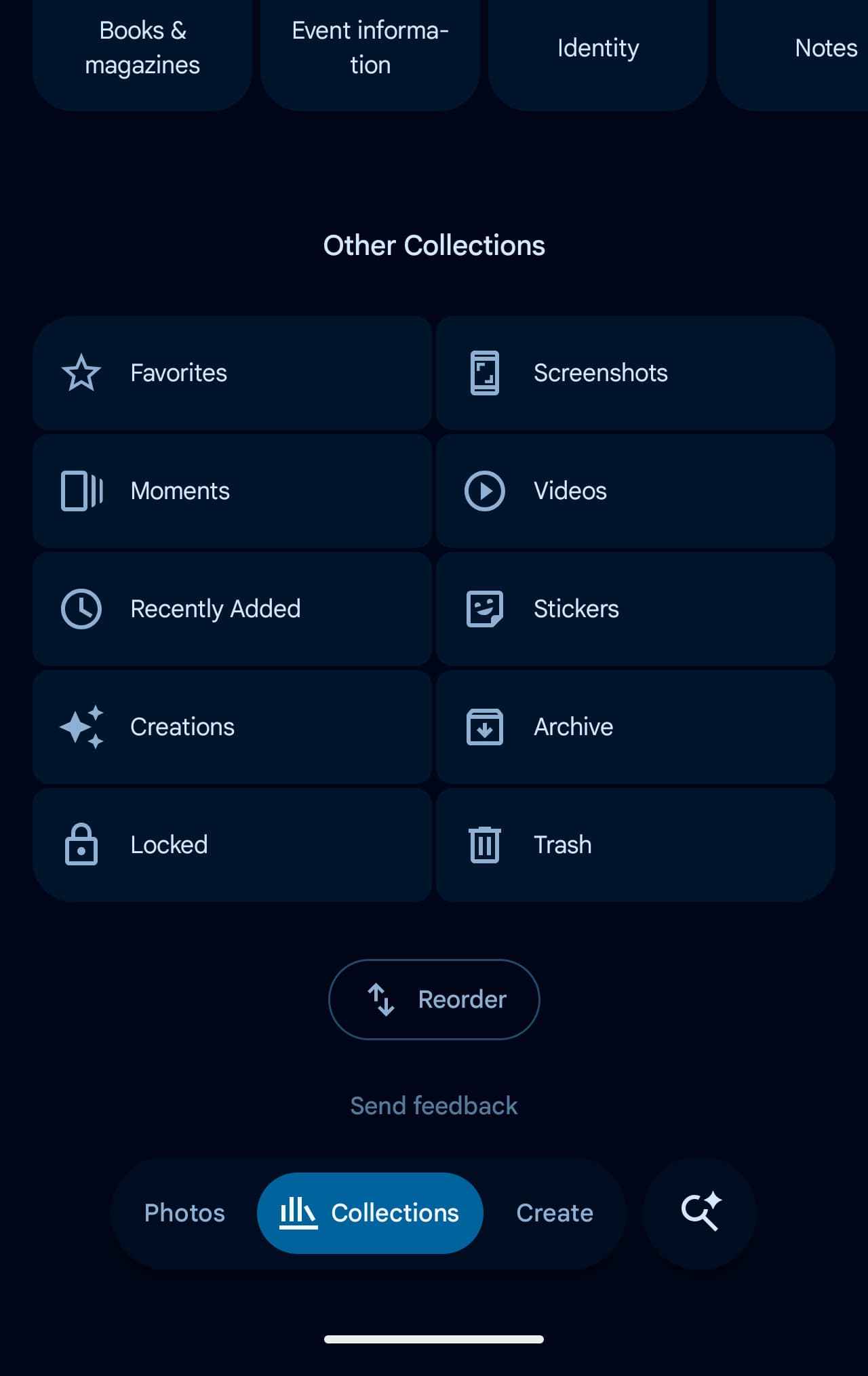
The “Other Collections” grid rounds out the update, featuring categories like Favorites, Screenshots, Moments, Videos, Recently Added, Stickers, Creations, Archive, Locked, and Trash. Users can find the “Reorder” button at the bottom, offering further customization.
The Rollout of Google Photos 7.97
This redesign is becoming widely available with the release of Google Photos version 7.97. Notably, some users have been able to activate these changes not through the usual force stop method, but by simply restarting their devices and launching the Photos app. This server-side update is a testament to Google’s commitment to improving user experience through innovative and user-friendly design.
For more details, you can view the full article Here.
“`
