



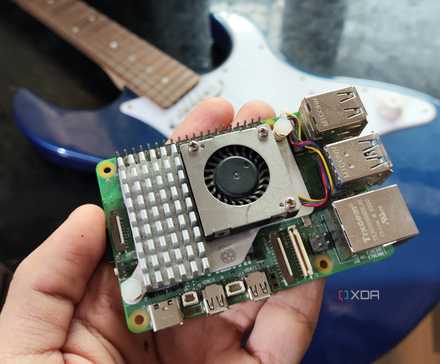
A couple of years ago, when I was working on my Raspberry Pi 5, I noticed that it was very slow. I googled possible reasons, and the main one was its lack of RAM. It has 4 gigs of RAM, but I noticed that running multiple Chromium tabs made it run at a snail’s pace. So, I looked for ways to increase the RAM. Given that I was using an SD Card as a hard drive, using a swap file wasn’t really an option. However, I found a program called ZRAM and promptly installed it from the Pi-Apps app store. I found it increased my performance by a sizeable amount when running many apps. ZRAM improved my performance when running multiple apps, is easy to install, and doesn’t require any extra hardware, but it does come at the cost of CPU speed.
Performance Improvement
When Running Multiple Apps, ZRAM Makes the Pi Very Snappy
When running many Chrome tabs at once, the Raspberry Pi 5 starts to chug along. This is with 4 gigs of RAM, mind you. On an older Pi like a Pi 3B, with 1GB of RAM, or a Pi 0, with 512MB of RAM, it would be even slower. And with those 4 gigs of RAM, I can probably run about 32 tabs of XDA’s homepage before it starts to lag. It runs perfectly fine until I hit 32, but then the mouse cursor just starts lagging, as if the CPU is being heavily throttled. However, in btop++, it shows that the CPU usage is nothing. Which is weird, at first glance.
However, after deeper inspection, I saw that the RAM was maxed out. This proves that the RAM is, in fact, the problem. However, you can’t install more RAM on a Raspberry Pi. You could add a swap file, which is like RAM but on a hard disk, but doing so would ruin the SD Card. So, I tried installing ZRAM. And when I did, the Pi was very snappy again. It went from cursor lag to a pleasant experience all around.
Easy to Install
ZRAM is Easy to Install from the Pi-Apps App Store
The best thing about ZRAM is that you just install it, and it automatically saves you RAM. I personally like to install it from the GitHub user Botspot’s Pi-Apps app store, as it makes installation easy and the software comes pre-configured. In this case, it took me about 3 minutes to install Pi-Apps and ZRAM from a fresh, full installation of Raspberry Pi OS.
The process is simple: the Pi-Apps website includes an install script you can copy and paste into bash. From there, you can open the app store on your desktop and find “More RAM” in the search bar at the bottom. Finally, I clicked the install button and waited 30 seconds. Then a pop-up appeared showing that ZRAM was installed.
Then there is a script on your system, called zram.sh. It must be run with sudo, and once you do, it will allow you to change ZRAM’s configuration. You can enable or disable file storage in RAM, and turn ZRAM on or off. And you can do this all from the terminal. As of now, there isn’t a GUI app to control ZRAM.
No Hardware Required
Just More Efficient Use of What You Have
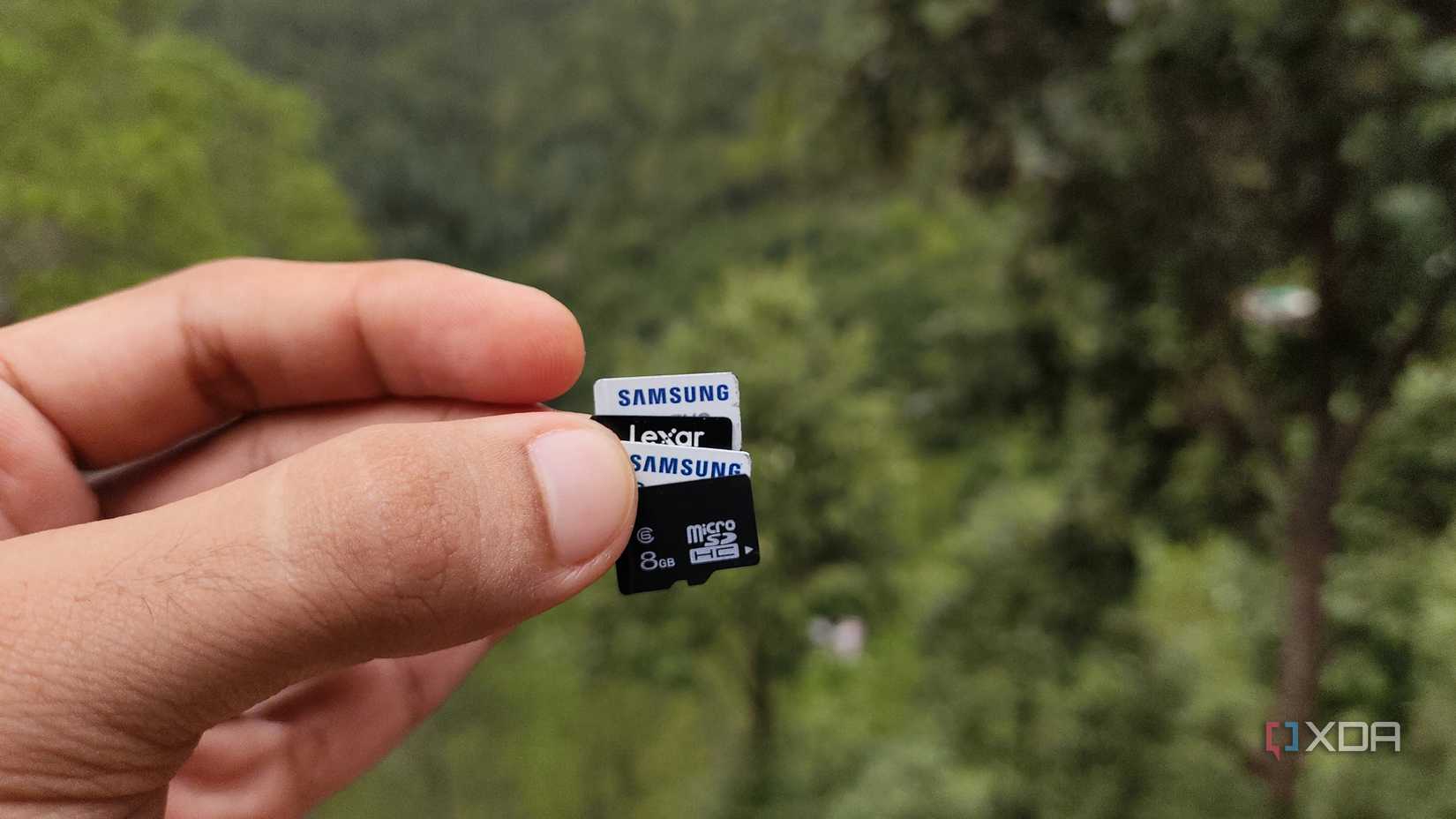
ZRAM works by compressing the RAM on your device, so you can use more RAM. The Pi-Apps version of ZRAM uses ZSTD compression and assumes a 4:1 ratio. This means, if you’re on a Pi 5 with 4 gigs of RAM, you would, theoretically, have about 16 gigs of RAM to work with. And, again, this doesn’t require an SSD, or an extra SD card, or anything of the sort. This is entirely on the Pi’s Board itself.
Despite the fact that your RAM now has to be compressed and decompressed constantly, it is actually much faster than it would be without it. This is because the in this case, the resources used by the CPU are else significant than the slowdown caused by the system running out of available RAM. In systems with high amounts of RAM, compression could make things worse, but on a Raspberry Pi 5, it’s a big improvement.
What About the CPU?
Using the CPU May Be a Problem for Some
Since the CPU is used for ZRAM, which constantly compresses and decompresses, it may actually be slower to use ZRAM when running CPU-intensive tasks, like a Minecraft server. This can be a problem because the CPU may be so busy with the ZRAM stuff that the Minecraft server gets left behind. This would actually result in worse performance for end users, defeating the whole purpose of running a Minecraft server with ZRAM.
However, most applications don’t use much CPU, especially with GPU acceleration becoming common across many apps. Therefore, for most people, using ZRAM is better than not using it. And if it doesn’t work out, it’s a single, simple command away from being disabled.
ZRAM is Very Effective at Making an Old Pi Much Faster
All in all, ZRAM is actually a very useful tool in my Raspberry Pi toolbelt. I’ve installed it on every one of my Pis since I discovered it. And it drastically improves the speed of my Pis, especially the older ones. Next time you are running a Pi, try installing ZRAM.
Read more Here.
“`

