



Exploring Nextcloud Hub: A Robust Solution for Online Collaboration
Online collaboration is an essential component for businesses of all sizes. While platforms like Slack and Microsoft Teams are popular, they primarily focus on real-time chat functionalities. However, Nextcloud Hub offers a more comprehensive solution, serving as an open-source, self-hosted content collaboration platform.
Initially, I was not well-versed with Nextcloud Hub. My journey began as a Hostinger customer, where I discovered the platform’s seamless installation on my website, recognizing its potential benefits for our readers.
What is Nextcloud Hub?
(Image credit: Nextcloud Hub)
Nextcloud Hub is a self-hosted open-source content collaboration platform that revolutionizes online cooperation. It provides digital collaborative benefits while maintaining privacy and security, which are often at risk with third-party cloud services. The open-source nature of Nextcloud Hub gives users full control and ownership of their data.
Nextcloud Hub’s Talk feature extends beyond being just a Slack alternative by incorporating private audio/video conferencing, text chats, screen sharing, live feedback, breakout rooms, webinar moderation tools, and end-to-end encrypted calls. It also supports federated chats, enabling connections between different Nextcloud Talk instances.
The platform’s digital workspace functionality is enhanced by integrating several key components. Nextcloud Files, the core component, offers self-hosted file storage with instant sync capabilities. It includes features like secure file sharing, password protection, expiration features, granular permission controls, and file versioning with commenting capabilities.
Nextcloud Hub also incorporates a Groupware suite, integrating Calendar, Contacts, and Mail tools. This allows users to manage shared calendars efficiently, complement email administration with shared mailbox features, and utilize built-in task management capabilities.
Thanks to LibreOffice, Nextcloud Office provides a comprehensive online office suite, enabling real-time collaborative document editing, spreadsheet creation, and presentation development. The platform supports major file formats, including .docx, .pptx, and .xlsx.
Introducing Nextcloud Assistant and Automation Features
(Image credit: Nextcloud Hub)
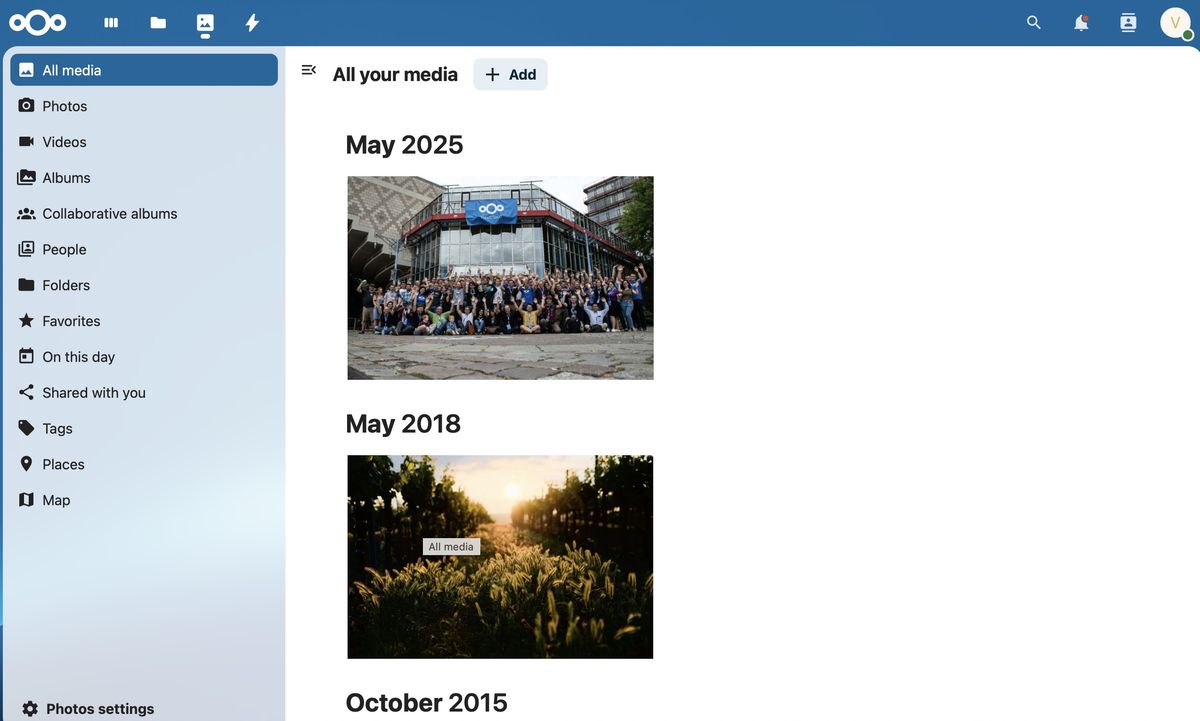
Nextcloud Assistant integrates AI tools within Nextcloud applications, offering content generation, data-driven queries, email summaries, text translation, automatic messaging, and appointment scheduling. The self-hosting capability of these AI features ensures data privacy and complete control over user information.
Additionally, Nextcloud Hub provides automation features and data management solutions for optimizing workflows. Users can set triggers and actions to automate repetitive tasks through a user-friendly interface. Nextcloud Tables acts as a database-like application, offering robust spreadsheet functionality for structured data management. This integration enhances automation through seamless collaboration with other Nextcloud components.
The secure and customizable environment provided by Nextcloud Hub ensures that users maintain control over their data.
Understanding Hostinger’s Role
Hostinger is a leading web hosting service that empowers businesses and individuals to establish an online presence. Founded in 2004, Hostinger offers affordable hosting solutions, including WordPress and VPS services, backed by a 99.9% uptime guarantee and a variety of management tools for website administration.
The company’s hPanel control panel features an intuitive interface for managing hosting accounts, websites, and related services. Hostinger’s automatic installer tool simplifies the installation of popular web applications, eliminating the need for manual database creation and file uploads. This is particularly beneficial for new users and those seeking quick setup processes.
Installing Nextcloud Hub on Your Hostinger Account
Installing NextCloud on Hostinger can be done via Hostinger’s automatic installer or through a manual installation process. I opted for the automatic installer feature for its convenience. Here is a step-by-step guide:
- Log in to your Hostinger account on the company’s website.
- In the left directory, choose Websites.
- Select Dashboard next to your account name.
- Again in the left directory, choose Websites followed by Automatic installation.
- Under Other, select Select.
- From the drop-down menu, choose NextCloud.
- Select Select.
The next steps involve setting up a database for NextCloud. I suggest installing NextCloud on a subdirectory of your website. Here’s how:
Add a Website title, admin email address, admin username, and administrator password in the context menu. Select Advance. Type a name of your subdirectory in the Enter subdirectory box. Ensure you create a new database and assign it a password.
Once the database is installed, configure NextCloud by navigating to the main NextCloud installation page, accessible at the URL: http://yourdomain/(the subdirectory you created). Enter the username and password you chose earlier.
Final Steps and Considerations
After successfully installing Nextcloud Hub on your server, proceed with the initial setup wizard. This process involves creating your administrator account with a strong password, setting the data directory for user files, and configuring the database connection. The wizard may also suggest installing recommended apps like Nextcloud Office or Talk for a comprehensive experience.
Once the initial setup is completed, focus on post-installation configurations and hardening. This includes setting up background jobs via cron for efficient job management, implementing memory caching (such as Redis or APCu) for performance enhancement, and enabling HTTPS (SSL/TLS) encryption to secure communications. Additionally, review PHP settings, secure your “config.php” file, add valid access domains to trusted domains, and establish regular updates for Nextcloud and your server to ensure continued security and stability.
For more choices, we’ve tested and reviewed all the best web hosting services.
Source: Here
“`

