



Understanding Your SSD’s Lifespan
Solid-state drives (SSDs) are a staple in modern computing, offering speed and reliability that traditional hard drives can’t match. However, like all technology, SSDs have a finite lifespan, typically measured by the terabytes of data written (TBW) to them. Most SSDs are engineered to last between five to six years under normal usage, but certain practices can unknowingly shorten this span. While SSD failures during the warranty period are rare, it’s wise to take steps to ensure your drive’s longevity.
Related
7 ways to optimize an SSD for longevity and performance
Keep your SSD running better for longer with some simple tips.
Skipping Firmware Updates
They’re Not as Useless as They Seem
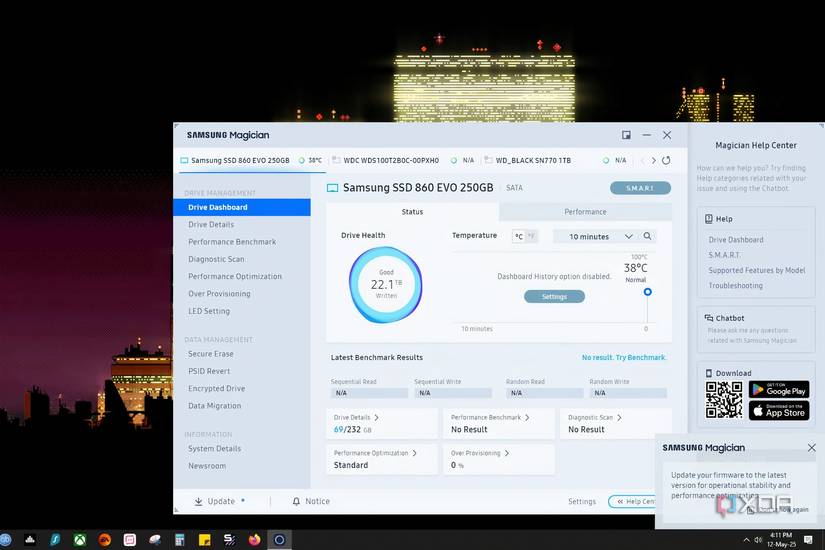
Keeping your SSD firmware updated is crucial for maintaining optimal performance and extending its lifespan. Manufacturers release updates to enhance functions like TRIM and wear leveling, which help prevent premature wear and tear on your drive. Ignoring these updates might not drastically shorten your SSD’s life, but it can lead to inefficient maintenance operations.
Related
How to update your SSD firmware on Windows
It’s a fairly simple process to ensure the smooth performance of your SSDs
Depriving Your SSD of Adequate Cooling
Fix This ASAP
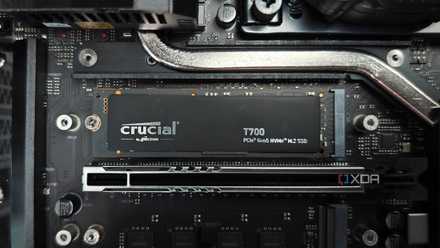
Heat is a significant enemy of SSD longevity. Components within an SSD, such as the NAND flash and controller, are sensitive to high temperatures, with most functioning best below 70℃. Overheating not only risks failure but can also cause thermal throttling, especially in high-performance Gen5 and some Gen4 SSDs. Ensuring proper airflow and installing heatsinks can mitigate these risks.
Related
5 signs your NVMe SSD might actually need a heatsink
You better notice the signs before your SSD starts cooking (in the worst way)
Not Cleaning Your PC Regularly
Letting the Dust Settle
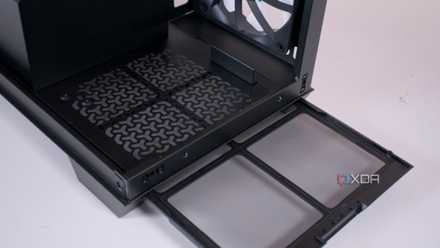
Dust accumulation can significantly impact your SSD and overall PC performance by obstructing airflow, leading to overheating. Regular cleaning is especially important for laptops, where space is limited. Use compressed air for dust removal and isopropyl alcohol for deeper cleaning to maintain optimal performance and extend your SSD’s life.
Related
4 ways to prevent dust from slowing down your PC
Don’t let dust and other particles beat you and your mighty system.
Ignoring Power Backup and Surge Protection
Don’t Leave Things to Chance
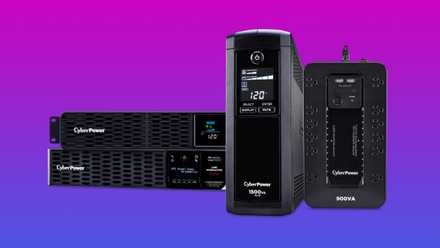
Power surges and outages can cause irreversible damage to your SSD and data loss. A reliable Uninterruptible Power Supply (UPS) with surge protection can shield your system from such incidents. Investing in a UPS is a cost-effective way to protect your hardware and data integrity.
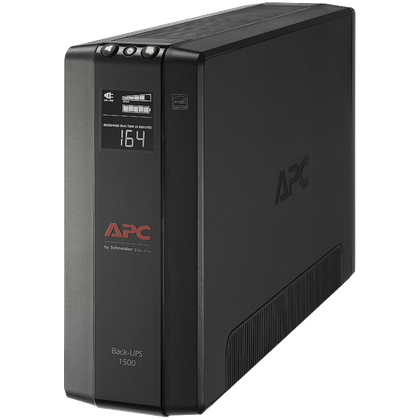
Brand APC
Load 1500 VA / 900 W
Battery SLA
Outlets 10 (5 connected to battery)
Ports 3x RJ45, 2x Coaxial
Display Yes
The APC BX1500M is a high-quality, premium UPS with a maximum load capacity of 1500 VA and 900 W. Whether you have a desktop PC, monitor, router, printer, or all the above, this UPS will be able to handle it all.
Related
3 reasons you might need a UPS for your PC
An uninterruptible power supply isn’t flashy, but it could be essential
Give Your SSD the Best Chance
While modern SSDs are robust, extending their lifespan is achievable through a few best practices. Ensure regular cleaning, proper airflow, and adequate cooling with a heatsink. Investing in a power backup solution and keeping firmware updated are simple yet effective measures to protect your SSD from overheating and data loss.
Here
“`

