


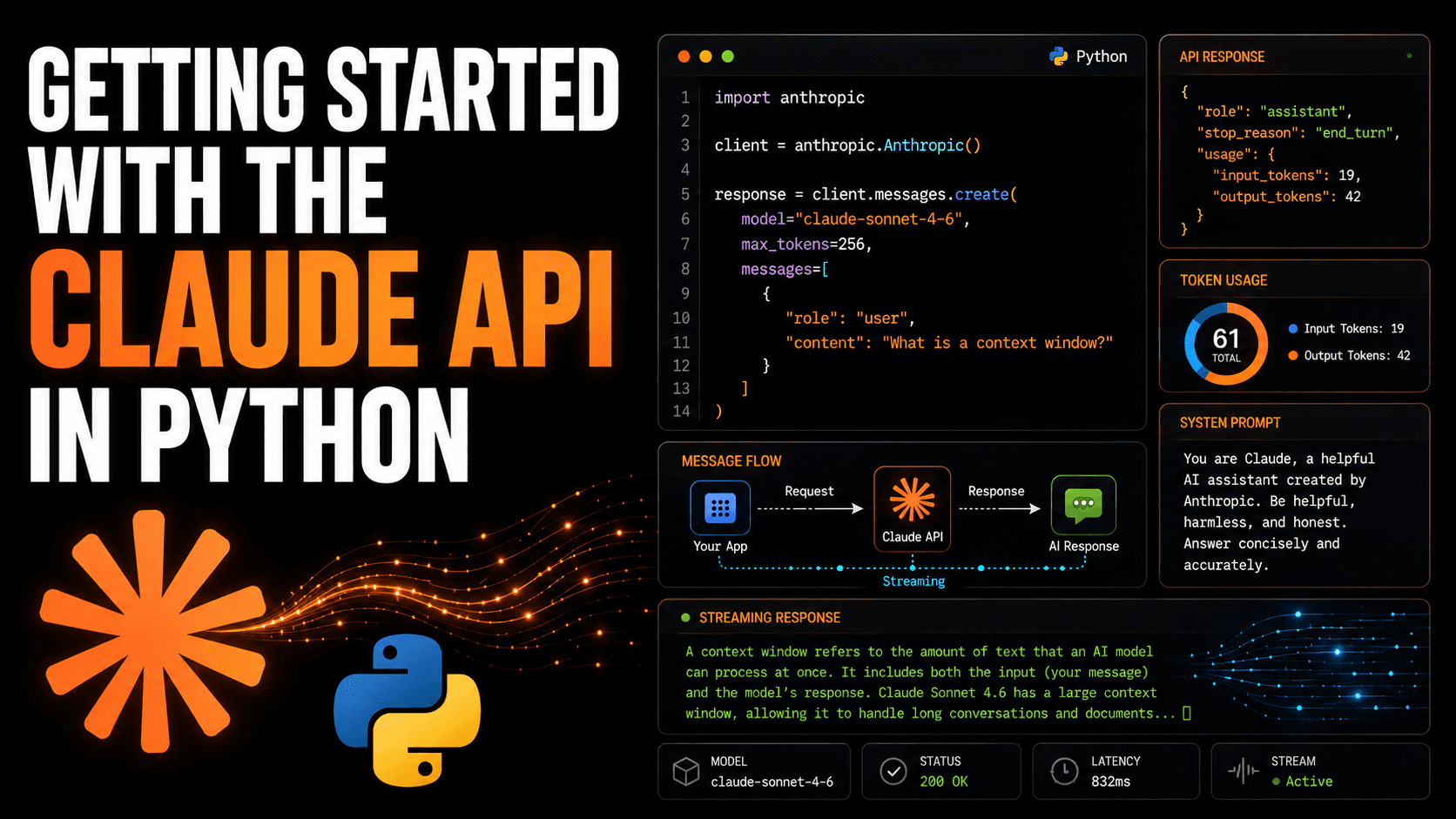
Introduction
Integrating Claude into your Python applications can greatly enhance their functionality. Getting started is straightforward; creating an account and making your first API call can be achieved in mere minutes, thanks to comprehensive documentation. However, practical questions often arise, such as understanding the response object, distributing responses for users to view results in real-time, and structuring prompts for production environments.
The SDK ClaudePython simplifies much of the API interaction, offering typed response objects, built-in retry mechanisms, and an easy-to-use interface for the Messages API. This article guides you through the setup, making your initial API call, interpreting the response, using system prompts, and implementing streaming. By the end, you’ll have a solid foundation to build upon.
Prerequisites and Installation
Before you begin, ensure you have Python 3.9 or higher, a free Claude Console account, and a console API key, which can be obtained from the Settings > API Keys page. You can add $5 credits to explore everything covered in this article.
Once ready, install the SDK:
To secure your API key, avoid hardcoding it into source files. Instead, store it as an environment variable:
export ANTHROPIC_API_KEY="YOUR-API-KEY-HERE"
Alternatively, if using python-dotenv, add it to an .env file in the project root. The SDK will automatically read the ANTHROPIC_API_KEY from your environment, eliminating the need to pass it directly in your code.
Make your first API call
Each interaction begins with client.messages.create(). Let’s ask Claude to define a context window:
import anthropic

client = anthropic.Anthropic()

response = client.messages.create(

    model="claude-sonnet-5",

    max_tokens=256,

    messages=[

        {

            "role": "user",

            "content": "In one sentence, what is a context window?"

        }

    ]

)

print(response.content[0].text)
The model field requires the exact model ID string. max_tokens sets a limit for output tokens; ensure it’s sufficiently high for open-ended queries. Message lists must always start with a “user” prompt.
Example output:
A context window is the maximum amount of text (measured in tokens) that a language model can process and consider at one time, encompassing both your input and its output.
Understanding the response object
The response from messages.create() is a typed Message object. Examining its complete structure is beneficial before building upon it. Replace the print line in the previous example with a detailed inspection:
Message(

    id='msg_01XFDUDYJgAACzvnptvVoYEL',

    type="message",

    role="assistant",

    content=[TextBlock(text="A context window is...", type="text")],

    model="claude-sonnet-5",

    stop_reason='end_turn',

    stop_sequence=None,

    usage=Usage(input_tokens=19, output_tokens=42)

)
Key fields include stop_reason which explains why Claude stopped generating. If it reads end_turn, Claude finished naturally. A max_tokens stop indicates a cutoff due to token limits, suggesting an increase or prompt revision. The usage field tracks input and output tokens, crucial for billing and detecting proximity to the template’s context boundary. The content list typically contains one TextBlock, so response.content[0].text is the standard method of extracting text.
Using system prompts
System prompts enable you to set persistent roles or constraints for Claude. Pass it as a top-level parameter, separate from the message list. Here’s how to set up Claude as a Python code reviewer:
import anthropic

client = anthropic.Anthropic()

response = client.messages.create(

    model="claude-sonnet-5",

    max_tokens=512,

    system=(

        "You are a Python code reviewer."

        "Reply only with corrected or improved Python code."

        "Do not explain changes unless the user explicitly asks."

    ),

    messages=[

        {

            "role": "user",

            "content": (

                "def get_user(id):n"

                "    db = connect()n"

                "    return db.query('SELECT * FROM users WHERE id=' + id)"

            )

        }

    ]

)

print(response.content[0].text)
The system prompt sets overarching guidelines, ensuring consistency across interactions without needing to repeat instructions in each message.
Streaming Answers
For responses requiring a few seconds, streaming allows for real-time text display instead of awaiting a full response. Use client.messages.stream() as a context manager to achieve this:
import anthropic

client = anthropic.Anthropic()

with client.messages.stream(

    model="claude-sonnet-5",

    max_tokens=512,

    messages=[

        {

            "role": "user",

            "content": "Walk me through what happens when a Python list grows beyond its initial capacity."

        }

    ]

) as stream:

    for chunk in stream.text_stream:

        print(chunk, end="", flush=True)

    print()  # new line after end of stream
The context manager ensures a clean HTTP connection closure even if exceptions occur mid-flow. To retrieve the complete Message object post-streaming, call stream.get_final_message() before the block ends.
Example output:
Python lists are dynamic arrays. When you add an element and the list runs out of room, Python allocates a new, larger block of memory (usually 1.125 times the current size) and copies all existing elements into it and frees the old block. This operation is O(n) in the worst case, but since it occurs rarely relative to the number of additions, the amortized cost per addition remains O(1). You can pre-allocate capacity with a list comprehension or by passing an iterable to the list constructor if you know the final size in advance.
Next steps
With the basics covered—queries, structured responses, system prompts, and streaming—you’re ready to explore error handling, token usage, and multi-turn conversations. Remember, the API is stateless, requiring conversation history to be sent with each request. The SDK documentation provides recommended strategies.
Explore additional features like structured outputs and tool usage via the API reference. Happy exploring!
Girl Priya C is an Indian developer and technical writer passionate about mathematics, programming, data science, and content creation. Her expertise spans DevOps, data science, and natural language processing. Priya enjoys reading, writing, coding, and coffee! Currently, she’s dedicated to learning and sharing knowledge with the developer community through tutorials, guides, and engaging content. Bala also crafts resource overviews and coding tutorials.
For more detailed guidance, visit the original article Here.
“`

