


There are numerous ways to jot down notes and documents on your PC, and we often gravitate towards those offering a plethora of features. Options like fancy formatting, syncing capabilities, among others, make advanced editors particularly attractive. However, when considering longevity and compatibility, plain text shines and likely will continue to do so. For documents I want to access reliably in the future, plain text is my go-to choice.
It Works on Everything
If It Works in the Terminal…
Plain text files have been around nearly as long as computers themselves, and they function on virtually any system. Windows opens them in Notepad, macOS uses TextEdit, and Linux offers a variety of text editors. Even in terminal environments, you can use editors like Nano on Linux or Edit on Windows without losing any data. If a file can be edited in a terminal window, it’s a strong indication that it will work seamlessly anywhere.
Moreover, plain text doesn’t just function across devices; it integrates effortlessly with numerous programs. If you’re a VS Code user, you can continue using it, or opt for other IDEs. On Windows, Notepad++ offers an advanced suite of tools for editing plain text files beyond the basic Notepad. These tools are lightweight and fast, allowing you to start writing while a program like Word is still loading.
Additionally, plain text is highly portable and won’t disrupt other systems. Even without internet access, I can begin writing in Notepad and later paste the content into a CMS without worrying about format issues. In contrast, copying from Word or other editors often results in formatting glitches with online systems, but plain text remains consistent.
We Have Syncing at Home
I Don’t Need a Fancy Editor for That
Advanced editors like Obsidian might offer file syncing across devices, but a fancy editor isn’t necessary for that functionality. Cloud storage services can store text files, making them accessible anywhere, although this requires a compatible client for cloud access, which can be challenging on platforms like Linux.
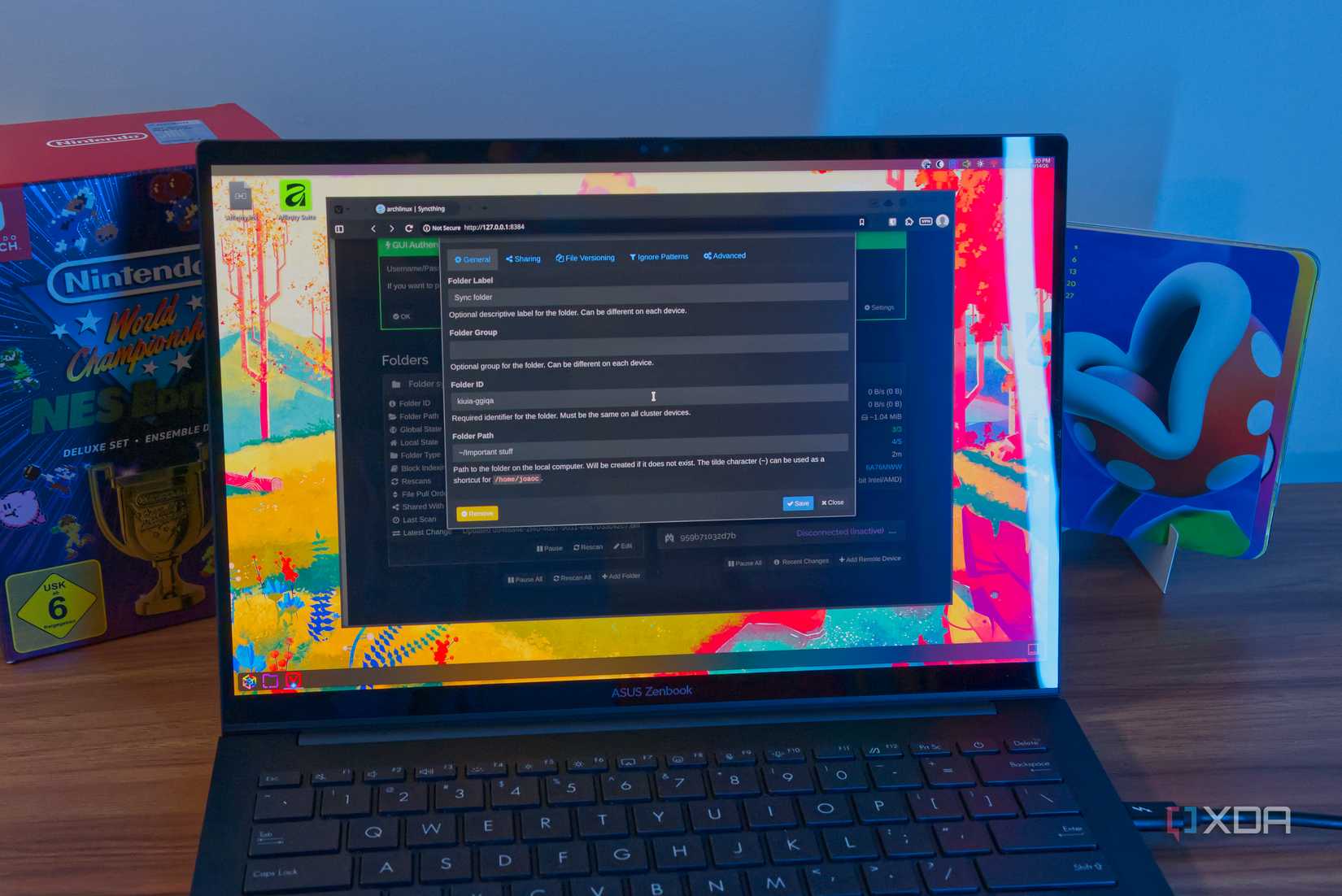
I prefer Syncthing for syncing, as it functions easily on any device, allowing me to sync files without relying on third-party servers. I can sync directly between active devices or use my NAS as a relay for cross-device file synchronization. Syncthing operates in the background, syncing files in my chosen folder so seamlessly that it feels like a local service.
Formatting Options Are Just Flourishes
Nice to Have, But Optional
While appealing formatting options can make text more readable, I find them largely unnecessary. Essential formatting can be achieved with plain text, and custom methods can be devised. For example, using line breaks around headers suffices for skimming. Though it might take an extra second to identify headers, this approach works adequately.
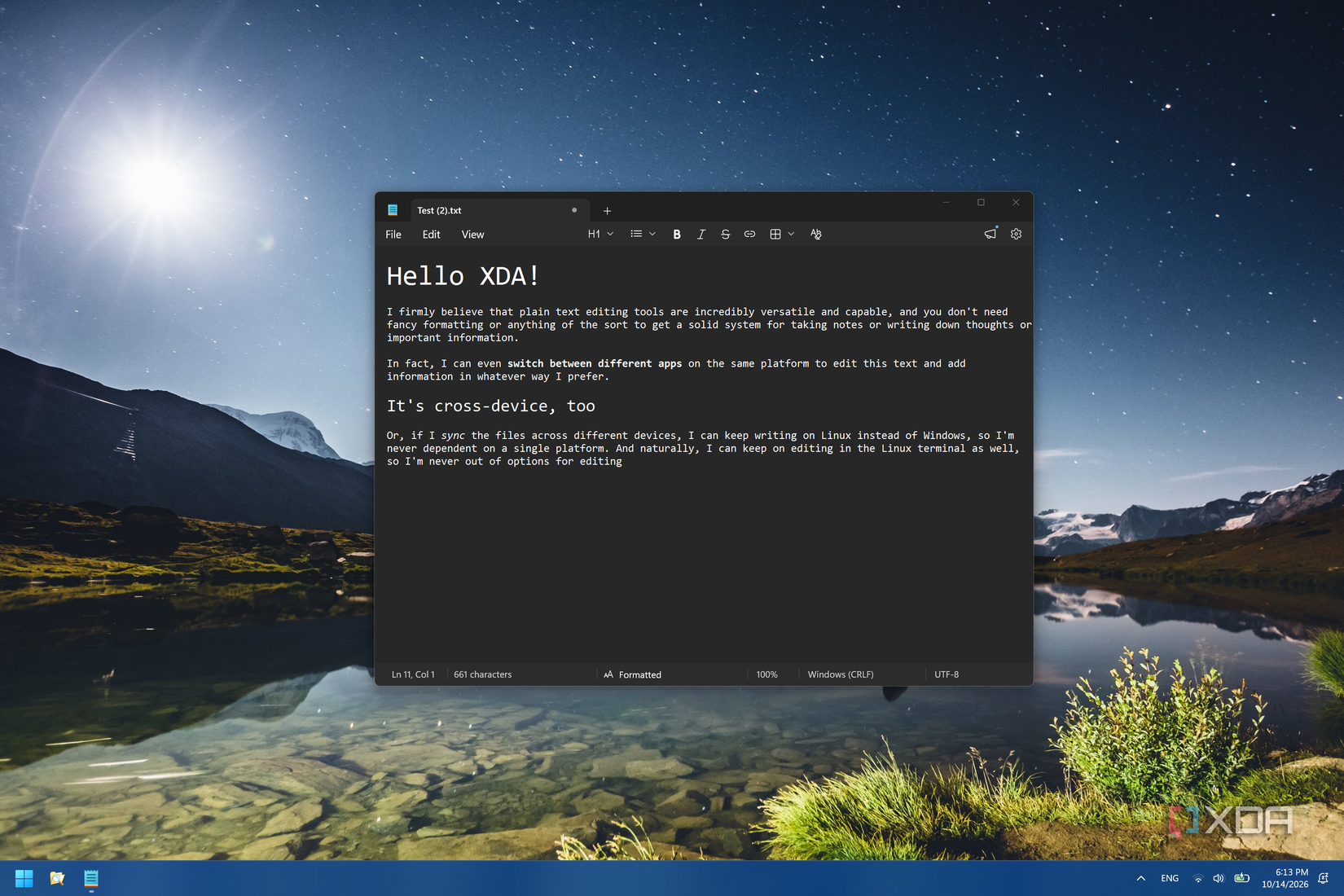
For projects shared with others, advanced text editing programs can be beneficial for creating visually appealing documents, allowing for easy header identification, table creation, or image insertion. However, plain text, especially with Markdown, remains a reliable fallback. Markdown syntax allows for headers and tables within plain text files, which can be saved as .md files for formatted viewing. Conversely, Markdown files can be renamed to .txt for plain text editing on any device.
Plain Text is Still King on My PCs
Plain text may not be the most glamorous, but it’s foundational to much of my work. Whether offline writing or note-taking for meetings, I rely on Notepad or equivalent tools. Plain text consistently functions across platforms and may endure well beyond current technologies. For more, visit Here.
“`
