


For the average person, Google probably sits underneath half of the tools and workflows they use. The verbification of Google is a primary example: nobody says “use a search engine”, we say “Google it”. There’s a term for when a brand becomes so popular that its name turns into an everyday word, it’s called a proprietary eponym. And yes, I Googled that. All of this is hardly news, but it’s still a little uncomfortable when you think about how much of your data sits in one place, and you don’t even control it.
I wanted to see how much of my digital life could actually survive without Google in the event I wanted to ditch it for good. Email was a no-go at this moment since I couldn’t change my contact details with every organization I’m registered with. But the rest was pretty much free game. I already made my own little calendar tool with Claude, so this wasn’t an area I needed help with. But Photos, Search, and Docs were the big ones, and turns out, there are loads more private options.
Asking a Local Model Instead of Googling It
I Stopped Shuffling Through Ads and SEO Spam
My Google searches range from questions with just one answer to explanations I expect to find in the AI summary. You probably already know what Google is like these days – the AI summary is hardly accurate and still needs you to verify everything, and the top ten results are sponsored. A local LLM with web access gives me the answers directly, with sources, and I can also get synthesis.
Using a local LLM will get you somewhere, but you’ll be limited to its training data cutoff. So for older facts or general explanations, a local model is fine as-is. But for anything that needs the facts, you’re going to have to give it web access. My top two routes are the Brave Search MCP in LM Studio, and the Web MCP in Jan. And my go-to model for web is either Qwen 3.5 9B or 4B (because they’re good at tool-calling), depending on how much my VRAM can support at that moment.
My searches still leave my PC, going to Brave or Exa now instead of the account that also has my email in it. Unfortunately, anything I used to rely on Google Maps for isn’t available here, and web searching with a local LLM does use more tokens. But this does force you to be more intentional with your prompts and dig a little more through the sources yourself, which is kind of how we used to do it back in the day anyway.
I replaced Google Photos, Drive, and Docs with these free self-hosted services — and they’re better, too
If you want to de-Google your life, then these are some of the best services to get started.
Swapping Google Docs for an Open-Source Editor
It Looks Like a Doc, but the Files Don’t Leave My Drive
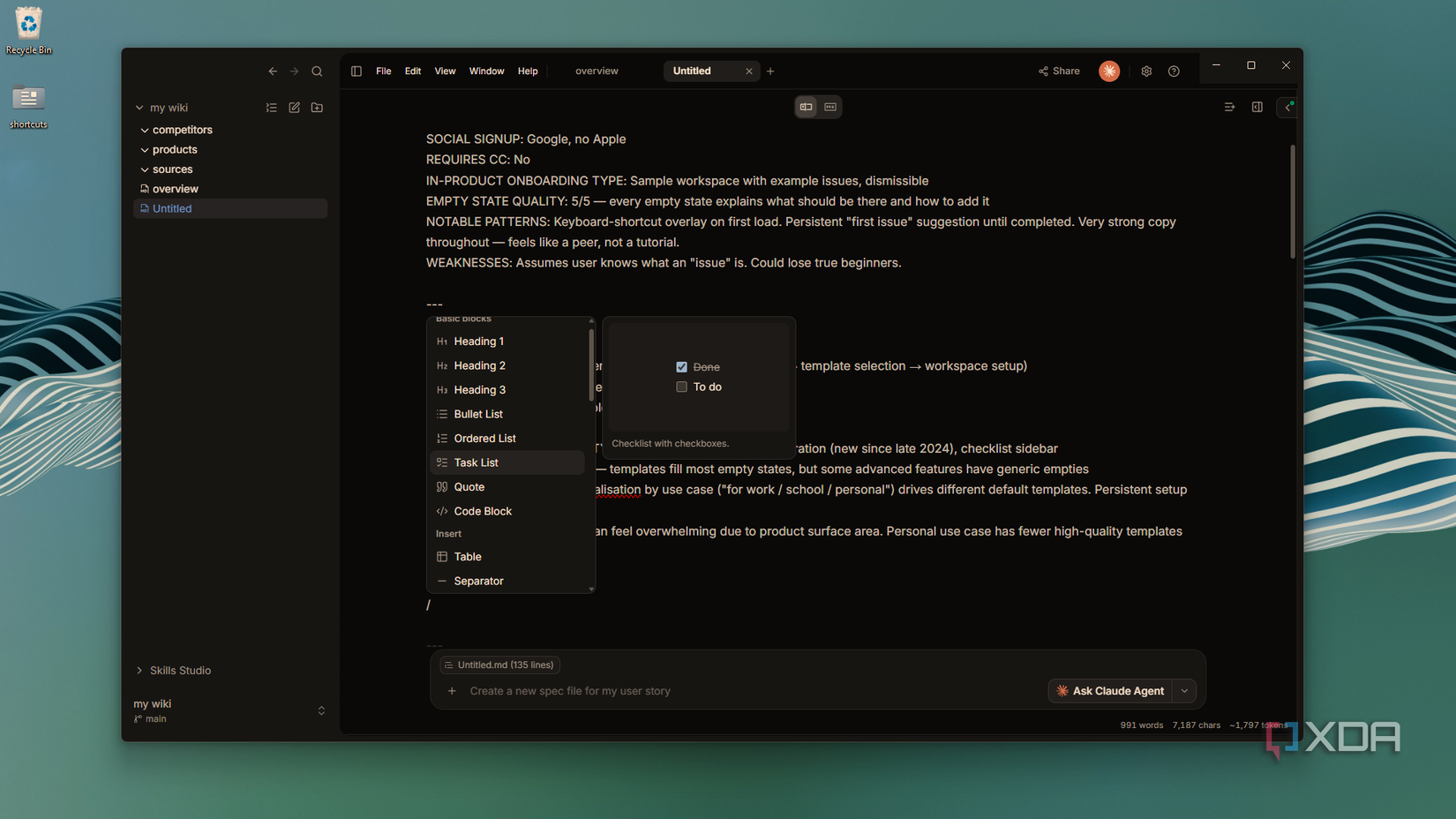
Google Docs never did anything fancy for me. It was a clean place to write where the formatting behaves as it should – it’s a decent tool, just not a very private one. OpenKnowledge is the first local editor I’ve tried that actually feels like that. It’s a WYSIWYG markdown editor, so headings and lists actually render. It will even open your existing Obsidian vault because it operates completely locally.
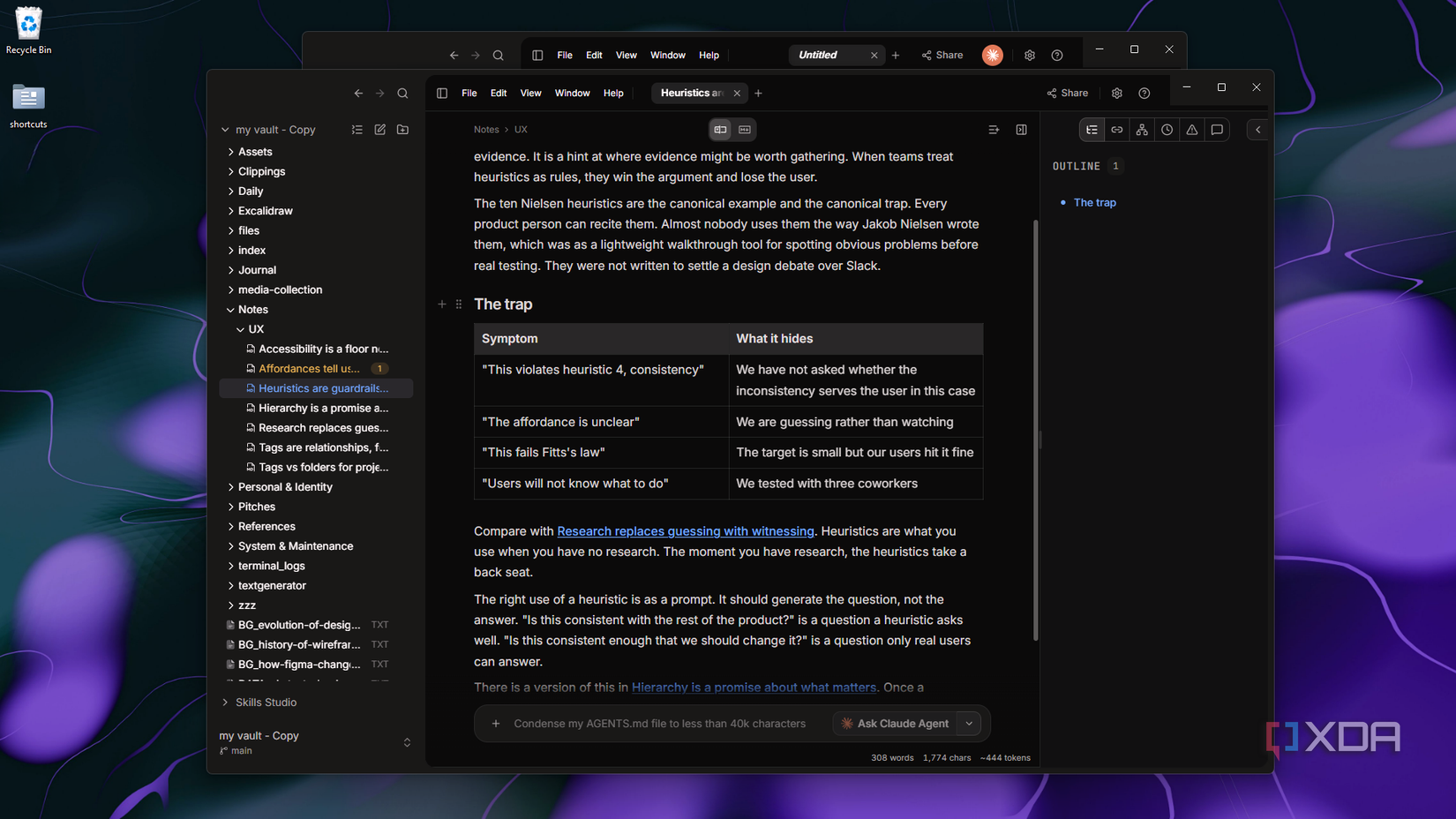
The part that makes it on par with Google Docs is the AI layer. Claude can work in the same document I’m in, with its edits showing up live and credited to the agent – you can actually hook it up to a massive roster of AI providers, including a local LLM. Version history and undo run on git, though I haven’t had to touch a single git command for either.
I don’t pay for ChatGPT, Perplexity, Gemini, or Claude – I stick to my self-hosted LLMs instead
There’s no point in relying on AI tools when my local LLMs can handle everything
Managing My Photos Without Google’s Cloud
It Has More Tools Than Photos, Too
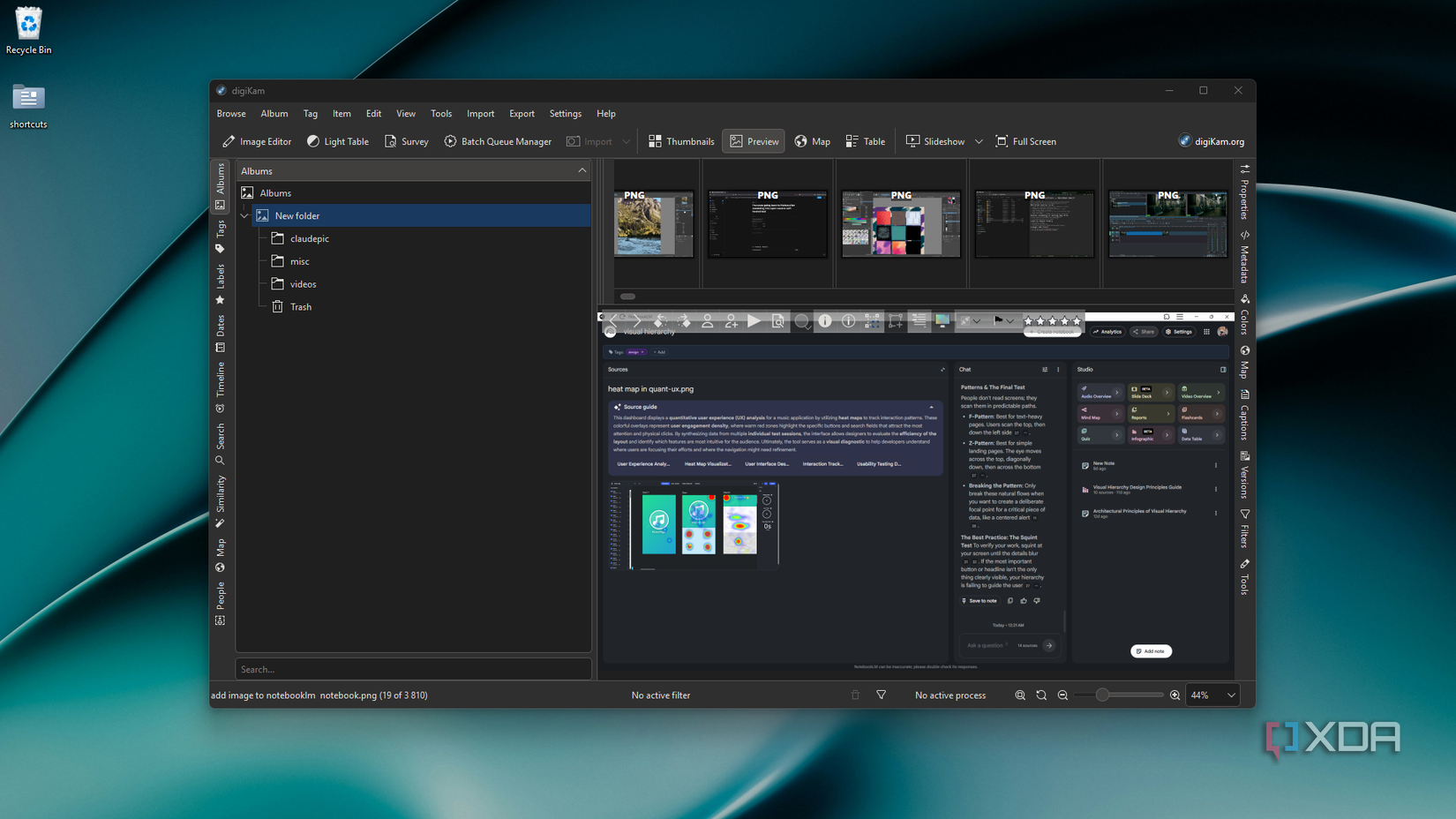
Immich and PhotoPrism are usually the options that come up when it comes to Google Photos alternatives. Both are self-hosted, and I’ve set them up before, which is exactly why I wasn’t doing it again for a one-week experiment. I went with DigiKam instead, a free open-source desktop app with a regular installer. It doesn’t upload or copy anything. It just indexes the folders your photos already live in.
Face recognition and auto-tagging both run locally on my GPU, though digiKam made me download 1.2GB of model files and restart before either worked. Google does the same sort of processing on its own servers, I’d guess on a much bigger scale. The app also has a duplicate finder and a built-in editor, which leaves originals untouched if you turn on non-destructive versioning in the settings.
What it can’t do is phone backup, which is probably the reason many people use Google Photos in the first place. So getting photos into the desktop app will be a manual job.
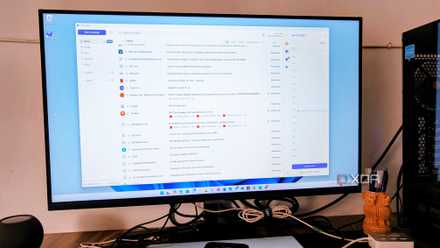
5 ‘just-enough’ open-source apps I’m using to finally escape the Google ecosystem
Adopt these apps for a simple, more private digital life
Leaving Google Halfway
A week is short, and I’m not about to pretend my Google account is gone. It just doesn’t hold everything anymore, which I think is actually a smarter strategy than outright deleting it. And whether I’m going back to Google or not, these tools are staying on my PC regardless.
For more insights, check out the full article Here.
“`
