



The Chromecast with Google TV launched in 2020, and for $30, it turned any TV into a proper smart TV with a remote and a real interface. It was the first Chromecast that didn’t need you to cast everything from your phone, and for a while, it was the budget streaming device to beat. Google killed it in February 2025, and the Google TV Streamer, its official replacement, costs $99.99.
When it came to replacing my Chromecast, I didn’t spend $100 on an upgrade. Instead, I picked up the Xiaomi TV Box S 3rd Gen for the equivalent of about $50 while I was in Taiwan, and after a month of using it, I can’t think of a reason I’d go back. To be clear, $50 isn’t a cost most people will find it for, but anywhere in the $70 to $90 range is expected, and that’s still cheaper than what Google has available.
Is it perfect? No, but it fixes every actual frustration I had with Google’s dongle while costing a good chunk cheaper than the official follow-up no matter where you buy it.
The Bluetooth was the first thing to break
And I mean that literally, every single time
Chromecast in use on phone casting YouTube
I don’t use a TV, and I haven’t for years. In Ireland, you need a TV license for any device that can process television broadcast signals, so I use a 32-inch monitor with an HDMI input instead. The monitor has no speakers and no audio output, which means my entire setup depends on a Bluetooth speaker. It’s a bit of a dodgy setup, to be honest, but it works. Or at least, it worked well enough with the Chromecast, despite some of the frustrations.
The problem was Bluetooth. Every time I turned my Chromecast on, I had to manually reconnect it. The Chromecast would forget it existed, or pretend it couldn’t see a device sitting two feet away. Sometimes the audio would drift out of sync with the video mid-show, and the only fix was disconnecting and re-pairing. It was the kind of problem that sounds minor until you’re dealing with it practically every day. It had even become a thing that one reliable trigger I discovered was that pausing a show for as little as a few seconds would cause it to drift out of sync, so we had to entirely exit the streaming app if we wanted to pause for whatever reason.
There was also the general slowness. The Chromecast ran on an Amlogic S905X3, a chip from 2019 on a 12nm process, with four Cortex-A55 cores at 1.9 GHz and a Mali-G31 GPU. It was fine at launch, but as Google added more features and built in things like recommendations to the home screen, the hardware strained harder to keep up. If I woke it from sleep, I had to wait a few seconds for the interface to collect itself before the remote would actually register. If I launched an app, I had to wait again. It wasn’t broken, but it was noticeably slow. And using it felt painful.
Oh, and don’t get me started on the storage. It had 8GB total, a bit under 5GB actually usable after the OS took its share. I was constantly playing the “which app do I delete” game. Want Kodi? Something’s coming off. A couple of streaming apps, a media player, and you were full. I eventually settled into a routine of using very few apps, because the juggling, combined with the lag, was tiresome.
Between the Bluetooth, the lag, and the constant storage juggling, the Chromecast felt like it was slowly running out of time. When I saw the Xiaomi TV Box for the price it was at, I jumped on it immediately.
The Xiaomi fixed all of it, and I didn’t expect it to
A month in, and nothing has gone wrong
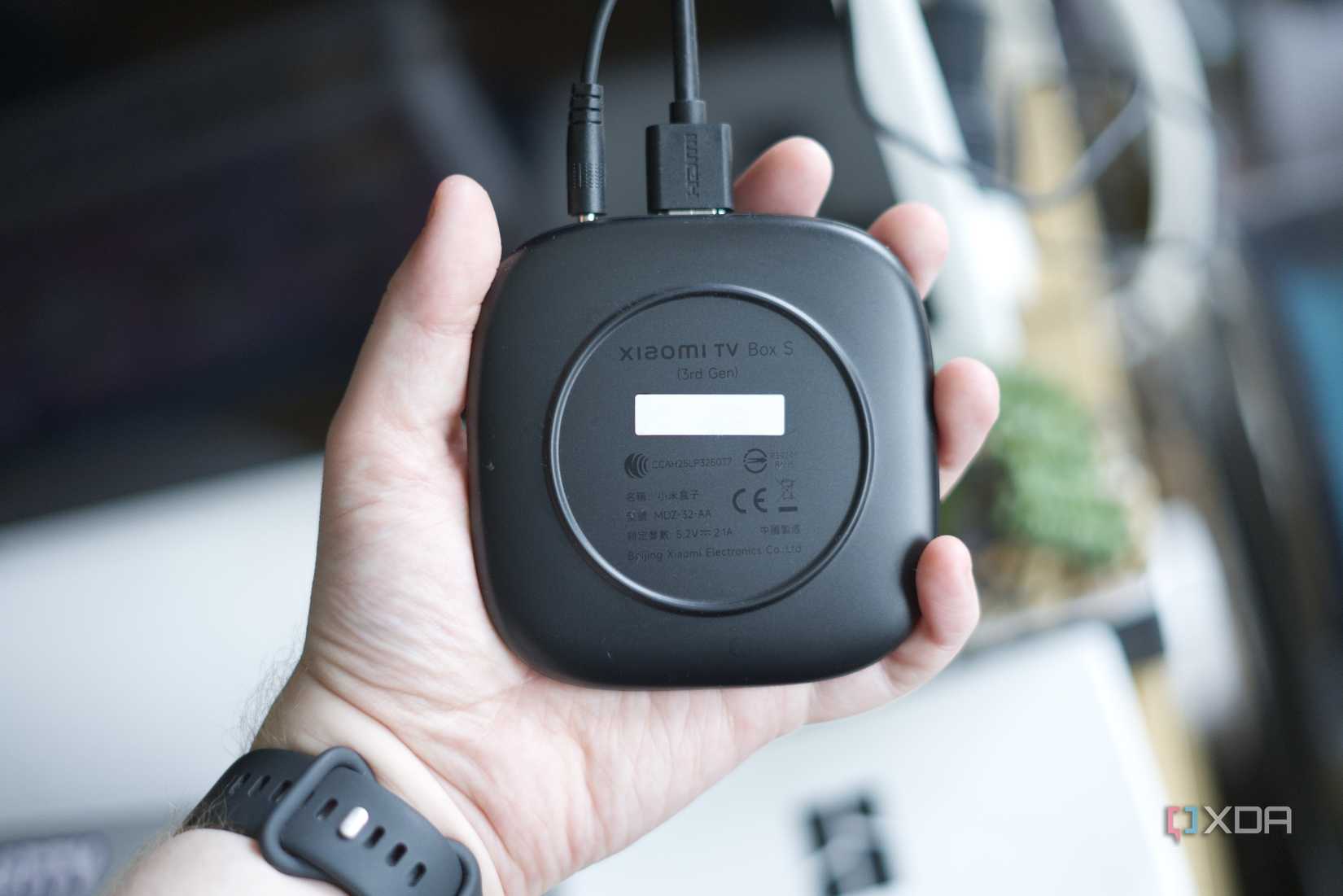
One of the best improvements I’ve found is that the Xiaomi just connects to my Bluetooth speaker. I paired it once, a month ago, and it’s stayed paired ever since. I turn the speaker on, audio plays. There’s no audio drifting or reconnection issues, which means less time spent digging through the settings trying to reconnect the speaker every time I turn it on. I almost didn’t include this because it sounds so minor, but it’s genuinely the thing that made me realize I don’t want to go back to the older Chromecast.
The speed difference is just as noticeable. The Xiaomi uses a newer Amlogic S905X5M on 6nm, same Cortex-A55 architecture but clocked at 2.5 GHz, with a Mali-G310 V2 GPU. The spec sheet claims it has a 25% faster CPU and 130% faster GPU over the previous generation, and we’re two generations ahead of the Chromecast with Google TV here. While I haven’t run benchmarks or anything, the difference is immediately obvious in daily use. It wakes from sleep and responds straight away, and navigating the home screen, launching YouTube, Netflix, or Jellyfin, all happens without the pause that I’d gotten so used to for years.
The Xiaomi TV Box is not a Shield TV, which still reigns supreme almost a decade after its release, but I’m also not pretending it is. However, for what it’s meant to do, namely stream 4K content from every major service, run Jellyfin, handle app launches and generally standing in as a smart TV, it’s smooth in a way the Chromecast stopped being a long time ago. The interface renders at 4K natively, auto frame rate switching works, Dolby Vision and HDR10+ are both supported, and there’s even an AI upscaling option for HD content, though I don’t think it does much. I don’t use it.
The storage upgrade is one that fundamentally changes how you use the device, too. With 32GB of storage on-board and about 24GB usable, I’ve got everything I want installed and there’s still room left over. I haven’t had to think about it or remember the juggling act I had to undertake in the past.
As well, a nice-to-have is a USB-A port on the back, which the Chromecast never had. You can plug in a flash drive for local media or an Ethernet adapter if you want a wired connection. I’ve been on Wi-Fi the whole time (as I was on the Chromecast, too) and haven’t needed it, but it’s nice that the option exists. For 4K resolution streaming, Wi-Fi 6 helps here, too. The Chromecast topped out at Wi-Fi 5, and while neither device ever gave me connection problems, the Xiaomi’s newer radio is better future-proofing.
The remote’s worse, the rest is better, and the Chromecast is dead anyway
You were going to need a replacement sooner or later
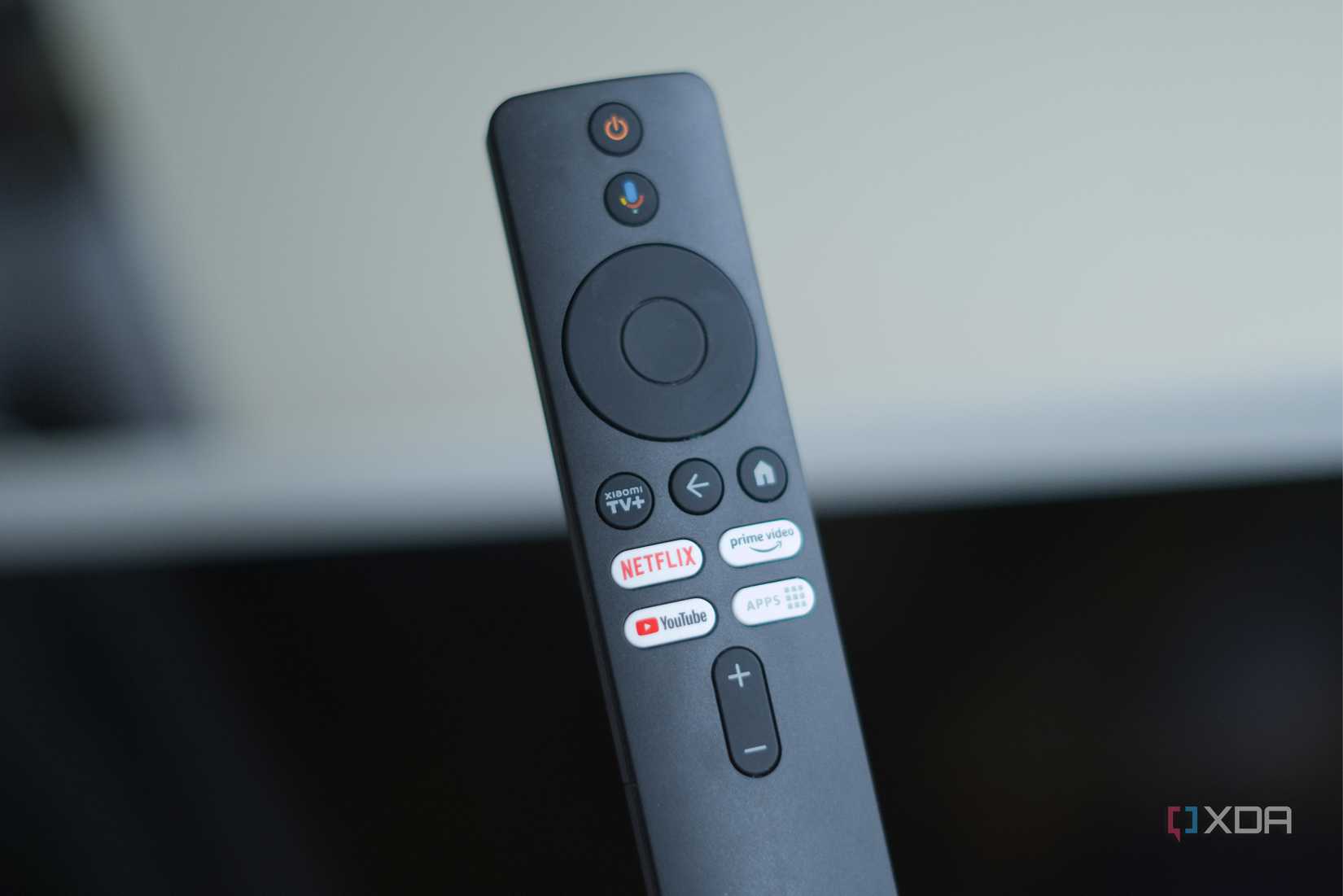
I’ll be honest, the Chromecast remote feels nicer in the hand. It’s got some weight to it, the buttons are quiet, and Google clearly put thought into the design and how it feels. The Xiaomi remote is lighter, feels like plastic, and the buttons have a clickiness that makes it feel cheaper as well. There’s no getting around that.
But the Xiaomi remote does more. It has dedicated buttons for Netflix, YouTube, and Prime Video, plus a programmable shortcut key and an IR blaster that can control your TV’s power and volume directly. In my case, those TV buttons aren’t actually useful, but for most people, that’s the difference between one remote instead of two. That matters more in practice than how nice the plastic feels; it may be less premium to hold, but I’d wager that it’s more useful to most people, and I’d personally take that trade.
As well, there’s no built-in Ethernet port, and the 3.5mm audio jack from the previous generation is gone. That last one would have been nice to have instead of using Bluetooth, but it’s ultimately not been an issue for me regardless. On top of that, its 2GB of RAM is still the bare minimum for Google TV. I’d have loved 3GB or 4GB, but for streaming apps and other light usage it hasn’t been a problem. The compromises are definitely there, but they don’t get in the way of what the device is supposed to do. I can’t say as much for the Chromecast and its compromises.
Besides, the Chromecast with Google TV isn’t even an option anymore. Both models are gone from the Google Store, and you can’t find them new anywhere else. Security updates wrapped up in September 2025, and the official replacement is the Google TV Streamer at $99.99. It’s a fine device, with more RAM, more storage, and Thread border router support, but it’s also more than twice the price of what the original Chromecast with Google TV costs and about double what the Xiaomi costs today.
For $50, or $70 to $90 if you’re buying it online, the Xiaomi TV Box S 3rd Gen is the streaming box I’d buy at the higher price now that I’ve used it. It’s been on my radar for a while, but I didn’t know if it would be worth the upgrade, so I held off. At $50, I figured I was willing to take the gamble and give it a try. As it turns out, it’s significantly faster, has more storage, its Bluetooth doesn’t make me want to throw things, and it runs Google TV on hardware that actually has room to breathe. That’s been the big difference maker.
“`

