



Something I’ll always stand by is AI is a blessing when it comes to studying and note-taking, despite what you’ll hear from people who’ve only ever watched it be misused. Yes, people constantly use it to cut corners by generating essays they can’t explain and answering questions they’ve never actually read. As a student in this very era, I refuse to pretend the misuse isn’t real, and I’ve had a front-row seat to it.
However, I also refuse to throw out something that’s made me a better, more organized student just because other people use it to be a lazier one. Similar to how users have rushed to use AI all the wrong ways, the companies behind these apps have rushed just as quickly to cram AI into every corner of them. I took three of these AI-powered note-taking apps against my incredibly messy notes, and one of them has become my go-to.
My notes are a shameful mess
Legible to no one, including me
When you search up AI note-taking software, you’ll largely find meeting note-takers. I use meeting note-takers too, and they’re great at what they do. However, that whole category is built for people whose problem is too many meetings and back-to-back calls. They solve that problem by jumping into your calls, recording them and transcribing for you, and giving you a tidy summary with action items and who-said-what, so you never have to frantically type through a call again.
What I need is help with the notes I take for myself, from lectures and textbooks, not transcripts of meetings I sat through. I’m not a fan of recording my lectures and would rather jot down takeaways myself during class, and my notes have always been something I make myself. The catch is that “made by me” and “actually usable” are two very different things.
If you saw my notes, you’d wonder how I pass anything. When I’m scribbling during a lecture, I’m optimizing for speed, not for the future-me. Half-finished sentences, abbreviations only I understand, arrows pointing at nothing, a key definition stranded three pages from the term it explains. It all makes perfect sense in the moment, and then I open the notebook a week later, and it reads like someone else’s diary. So, my ideal AI-assisted note-taking app isn’t one that takes the note-taking bit from me. Instead, it’s one that meets me when my notes actually are, takes the chaos I’ve already made, and helps me turn it into something I can actually study from.
Mem is a great all-in-one note-taking app
It cleans up after me, so I don’t have to
The thing with me is once I settle on a note-taking app, it’s very difficult to convince me to switch. Notion’s been my go-to for years (and I’ll talk about it below), but I’ve also been playing around with Mem lately and I’ve come to the conclusion that it makes a great all-in-one note-taking app. With Notion, the problem has been that it pitches itself as an everything app. This means that you have to teach Notion how you work before it begins helping you. Mem, though, flips that completely. There’s not a lot to set up and you don’t need to spend hours designing an entire system.
You just dump all your notes in, and the AI handles the tagging, linking, and filing in the background. Once you’re done typing your messy notes, there’s a Clean up notes in a single click button you can hit to turn that wall of fragments into something structured. When you hit the Create note button and hit the Organize button, the AI will also sort it into the right collection for you. If a fitting one doesn’t exist yet, it offers to create it.
For instance, I already had three notes created for one of my courses sitting loose in my workspace. One tap of Organize, and Mem offered to group them into a collection of their own and filed all three there. Now, every note it recognizes as fitting that collection gets sorted there automatically once I give it the go-ahead! This is exactly the type of note-taking app I’ve been looking for all along. One that automatically organizes itself, so the only job left for me is actually thinking and understanding the material instead of maintaining a system.
Mem is great at retrieval and synthesis too. You can ask it about anything you’ve written and get a clean, organized answer back instead of hunting through your own notes. When I asked it about format specifiers, it pulled my messy note on the topic and handed back a tidy breakdown. Beyond just typing, Mem lets you get things in via voice capture (speech to searchable text, keeps the original audio), a Chrome extension for one-click web clipping, and you can even send an email into Mem and the AI extracts the key info and links it to related notes.
There’s also a Heads Up panel that automatically surfaces related notes and collections as you work! Every note of yours gets auto-analyzed and tagged by content and semantic meaning, which is helpful because the burden of organization never lands on me. The same messy notes that used to read like someone else’s diary are now tagged, linked, and grouped without a single deliberate decision on my part. Mem also has the capability to record, transcribe, and summarize meetings, but that’s not something I use since meeting transcription isn’t the problem I’m trying to solve here.
Notion is a close second
Powerful, but it won’t meet you halfway
While you might not have heard of Mem AI before, Notion is an app you’ve surely come across a hundred times. It’s the one everyone’s productivity setup seems to run on, the one with a thousand YouTube tutorials and a template for every conceivable use case. And I get the hype. I’ve been living in Notion for years, and it’s still where most of my life is organized.
Notion AI, layered on top of all that, is pretty good. It can summarize a long note, restructure a messy one, answer questions across your workspace, and turn a wall of text into clean headings and bullet points in seconds. When I dropped my raw notes in and asked it to format them, it handed back a properly sectioned page without me touching a thing. For cleaning up what you’ve already written, it’s hard to beat. But here’s why it’s a close second and not first: Notion only works as well as the system you build for it. The AI is powerful, but it’s sitting on top of a workspace you have to design, maintain, and keep tidy. The databases don’t fill themselves. The pages don’t file themselves. If your Notion is a mess, Notion AI is just a very capable assistant standing in a messy room.
Notion also requires you to do a fair bit of learning before you can actually begin using it. Once you’ve gotten over that initial learning curve, you still need to keep track of your own structure: where each note goes, which page links to which, what that clever setup from last semester was even for. It’s powerful, but it’s a lot of overhead for someone who just wants to study. I end up giving up on my perfectly set-up Notion system in the middle of every busy semester, right when I need it most. The system that looked so clean in week one falls apart the moment things get busy because keeping it alive is one more task I don’t have time for. This is why I can’t crown it my number one, even after all these years.
NotebookLM is the one you point at your notes when it’s time to actually study
Great at studying, terrible at note-taking
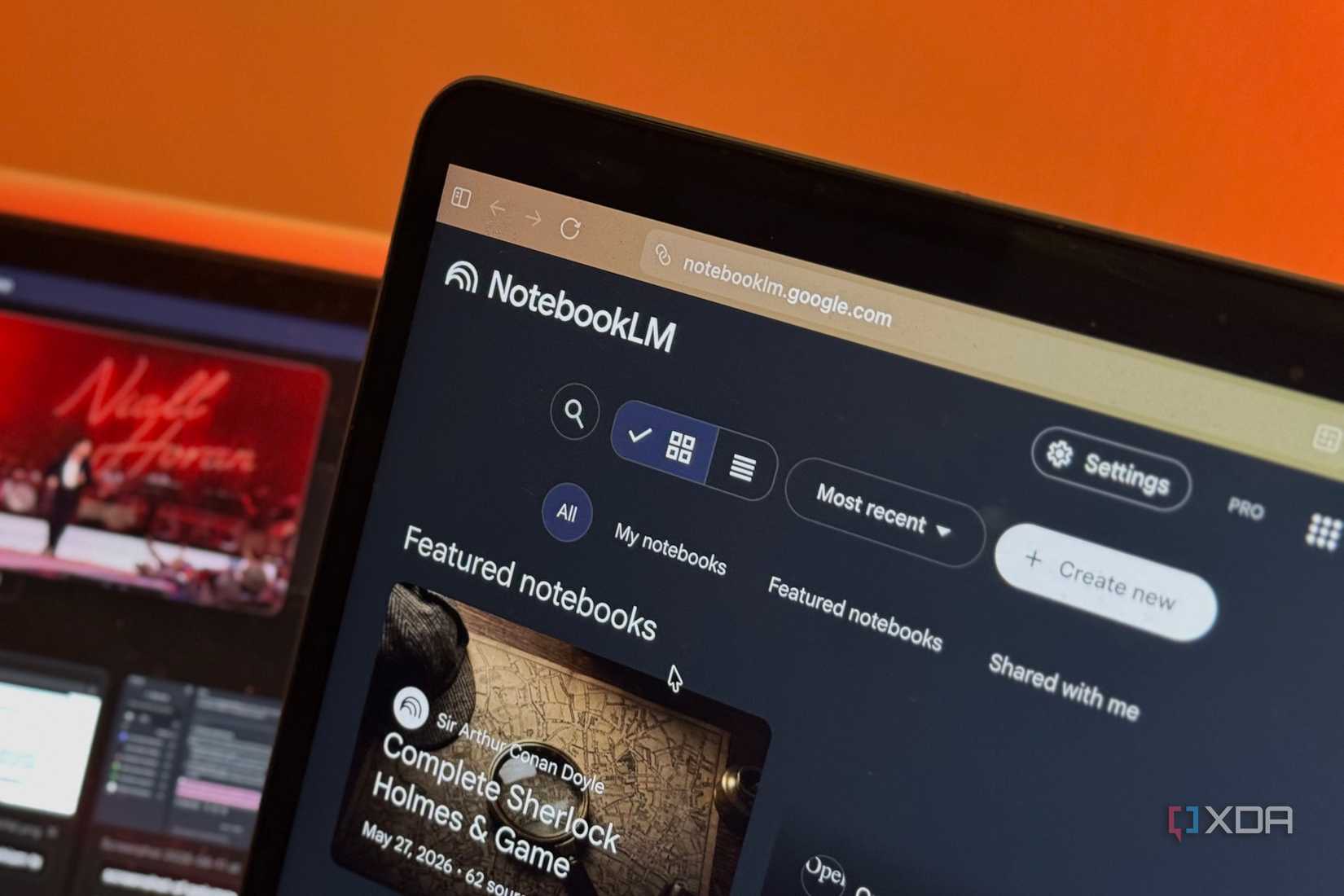
It would simply not be fair if I wrote an article about AI note-taking and didn’t mention NotebookLM. It’s the tool I reach for when I actually want to understand a pile of material. You can upload your sources, and it’ll turn them into a study guide, a mind map, an audio overview, or answer questions across everything with citations. For synthesis, nothing here comes close.
That said, I don’t think it makes a great note-taking app. It doesn’t greet you with a blank page. It waits for you to bring in material you’ve already gathered somewhere else, then helps you make sense of it. There’s no real organization system either. There are no folders, no tags, no linking across notebook, meaning the moment you try to live in it the way you’d live in Notion or Mem, it falls apart.
AI within note-taking is great when used right
There’s a version of AI note-taking that’s just cheating with extra steps, and there’s a version that saves you time and lets you use it for the actual work. The difference isn’t the tool, it’s the job you hand it. Ask it to do your thinking and you learn nothing. Ask it to organize, connect, and resurface the thinking you’ve already done, and it becomes the most useful thing in your setup. The three apps above are proof of that!
For more information, visit Here.
“`

