



The Three Most Beloved Note Apps All Have the Same Blind Spot
And Each One Also Comes with Its Own Catch
Note apps have been part of my work for years, mostly because I write about software and keep testing new ones. There’s also the UX angle – approachable tools are something I just enjoy poking at. Either way, cycling through all of them isn’t realistic and committing to just one has always felt like a bad bet too.
Then it kind of dawned on me that the big names I kept reaching for had the same blind spot. You need the app itself to read your own notes. The solution was way simpler than adding another tool to my already overflowing arsenal… Markdown files.
My phone has been the center of most of my notes for years, which means Apple Notes carries a lot of weight in that setup. The app itself is fine and I actually like it. But the ecosystem element is something that starts to bother me the more I think about it. Even if you disable iCloud sync for Notes and stick with the local On My iPhone account, those notes still get pulled into your iPhone backups, which still upload to Apple’s servers. Some features also only work on the iCloud account. So basically, no version of Apple Notes really lives outside Apple’s infrastructure.
Notion got me through a phase too and I don’t actually have many gripes with it. The free tier is decent for solo use but caps file size and page history at limits you’ll eventually hit, and the more advanced features start at around $10 a month. My actual issue past pricing is that Notion is a lot. Building anything beyond a basic page means navigating its layered database system, so at some point, setting all that up and maintaining it just got me asking myself what I was even trying to do.
Obsidian is the standout here. It’s beloved by the open-source community despite not being open-source (and I respect the devs’ decision to keep it closed). However, it’s lean to the point where any advanced functionality comes from plugins. The UX is solid but can feel a bit crowded once you stack plugins on, and Obsidian Sync being a paid service has always felt like an odd choice for an otherwise generous app. I don’t use sync or mobile myself, so it hasn’t been my problem though.
None of these are bad apps, really, and my issue isn’t with them individually. They just represent the broader pattern in how we use note-taking software, where you need the app itself to access what’s inside.
Why a Folder of Markdown Files is Superior
And it Goes Beyond the “It’s Future-Proof” Argument
I have to mention the obvious points, because they really are the biggest appeal. Markdown is just plain text. The files are future-proof in a way proprietary formats can’t compete with, plus they stay readable even when nothing is rendering them so you’re not depending on any specific app to access what’s inside. None of this is new information, but it’s the foundation everything else builds on.
The bigger case for me is the AI era we’re in. I’m not looking to have proprietary notes on top of proprietary AI tools, and this isn’t a local LLM thing specifically. Every AI tool I use accepts plain text as an input somewhere. Even the ones with full document support, like NotebookLM and Claude Projects, still have plain text fields for instructions or context. The markdown hierarchy is also one that every AI reads natively, so a header in my file actually reads as a header to the model with no formatting conversion somewhere in the middle.
Another thing for my specific use case: Markdown’s structural hierarchy is a clean way to think about visual hierarchy in design, since the way headers nest under each other is similar logic to arranging a screen. I just always thought it was a pretty cool representation of what I’m learning in design classes right now. YAML frontmatter is another underrated piece, where metadata sits at the top of a file and travels with the note across apps. I don’t lean on it heavily yet, but the option being there is pretty cool.
The biggest piece for me though is cross-app fluency. Markdown files don’t care which app I open them in, so I can use any editor, or none, and my notes stay readable and editable from anywhere.
Living in a Folder of Markdown
My Setup, Give or Take
This looks different for everyone. Cross-device transfer is easy through Snapdrop, or AirDrop between my two iPhones. Once a file is on mobile, I can pop it into whatever app I feel like using; Joplin and Simplenote are my go-tos for rendering markdown but Apple Notes lets you import markdown too, and sometimes I just read the file straight from the Files app.
Claude is another place this gets useful. CLAUDE.md is an instruction file Claude reads for system context, and I can also work with the folder directly through Filesystem. That covers everything from creating a new file to editing one I’ve already got, so a lot of what used to need an actual notes app now happens inside Claude. Back to the AI fluency thing again – in this era, plain text is genuinely essential.
Now, about Obsidian… I know how this sounds given the title, but my folder of markdown files is my Obsidian vault. This piece is more about where my notes live rather than which app reads them. Many of those files originated in Obsidian and still open there fine. So I didn’t necessarily ditch Obsidian, what I “ditched” was the assumption that Obsidian had to be the default. They’re not my Obsidian notes, just notes that happen to live in a regular folder titled Obsidian, and I use them everywhere.
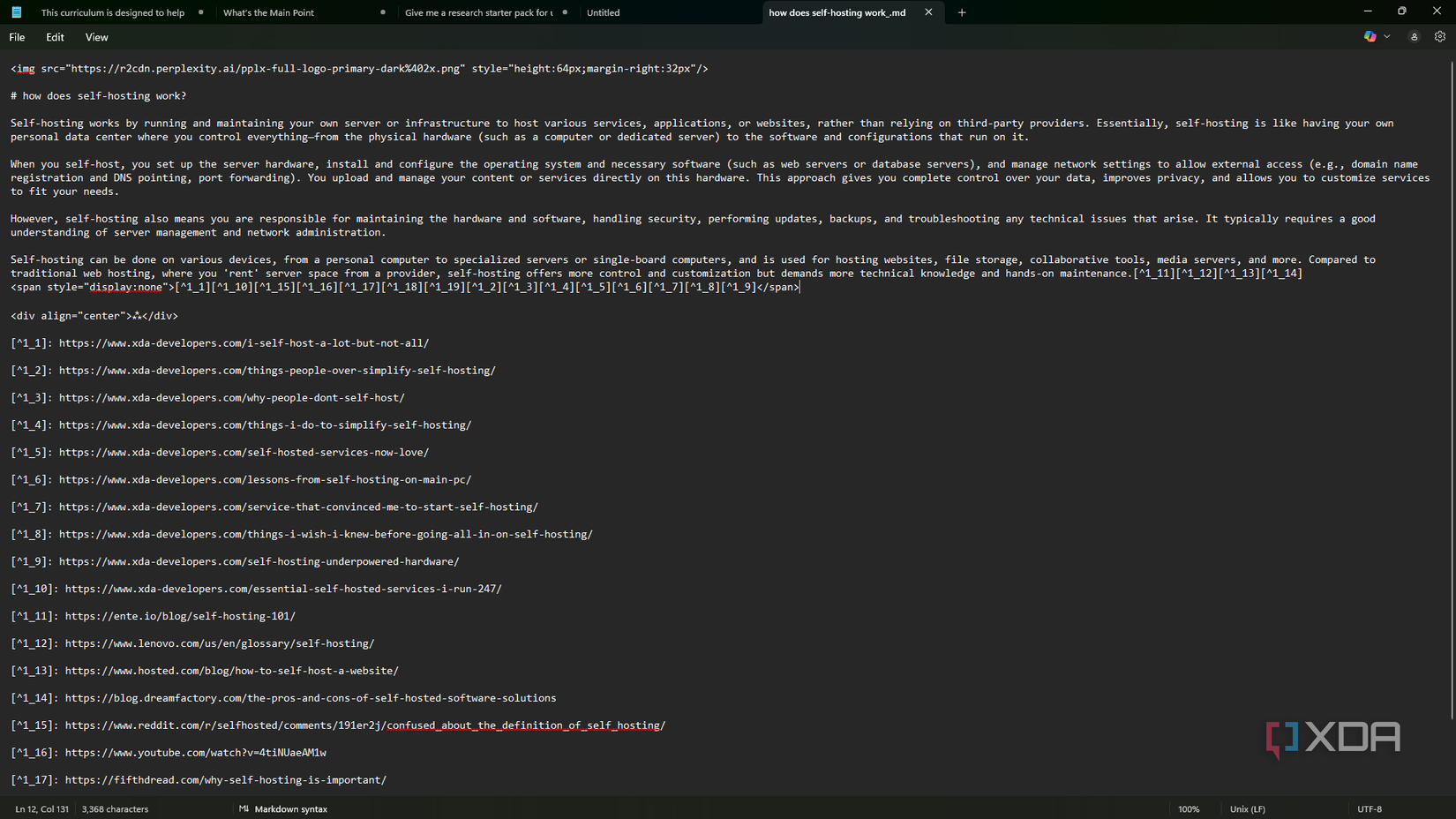
As for my folder structure, I don’t really have one. As you can see, my folders are pretty generic and the notes aren’t always where they belong. But that’s kind of the whole point, that you don’t really need a system with markdown.
Note Freedom
This was never really about getting rid of the apps I mentioned, or note-taking apps in general. What it actually comes down to, I think, is note freedom. The apps are still around when I feel like using them, but they no longer decide whether I can access my own work.
For more insights and details, you can read the full article Here.
“`

