


Introduction
Why do you use Python? For many people, it comes down to “just because,” but that’s really not the case. Python is a powerful and versatile programming language with simple syntax highlighted by pythonic approaches to logic and data management, which has proven to be the go-to language for data science, machine learning, and AI. Precisely for these reasons. It’s easy to learn Python, but you can spend many years working to improve your skills and master the basic mechanics of the language, working to go from a beginner to a professional capable of writing efficient and maintainable systems.
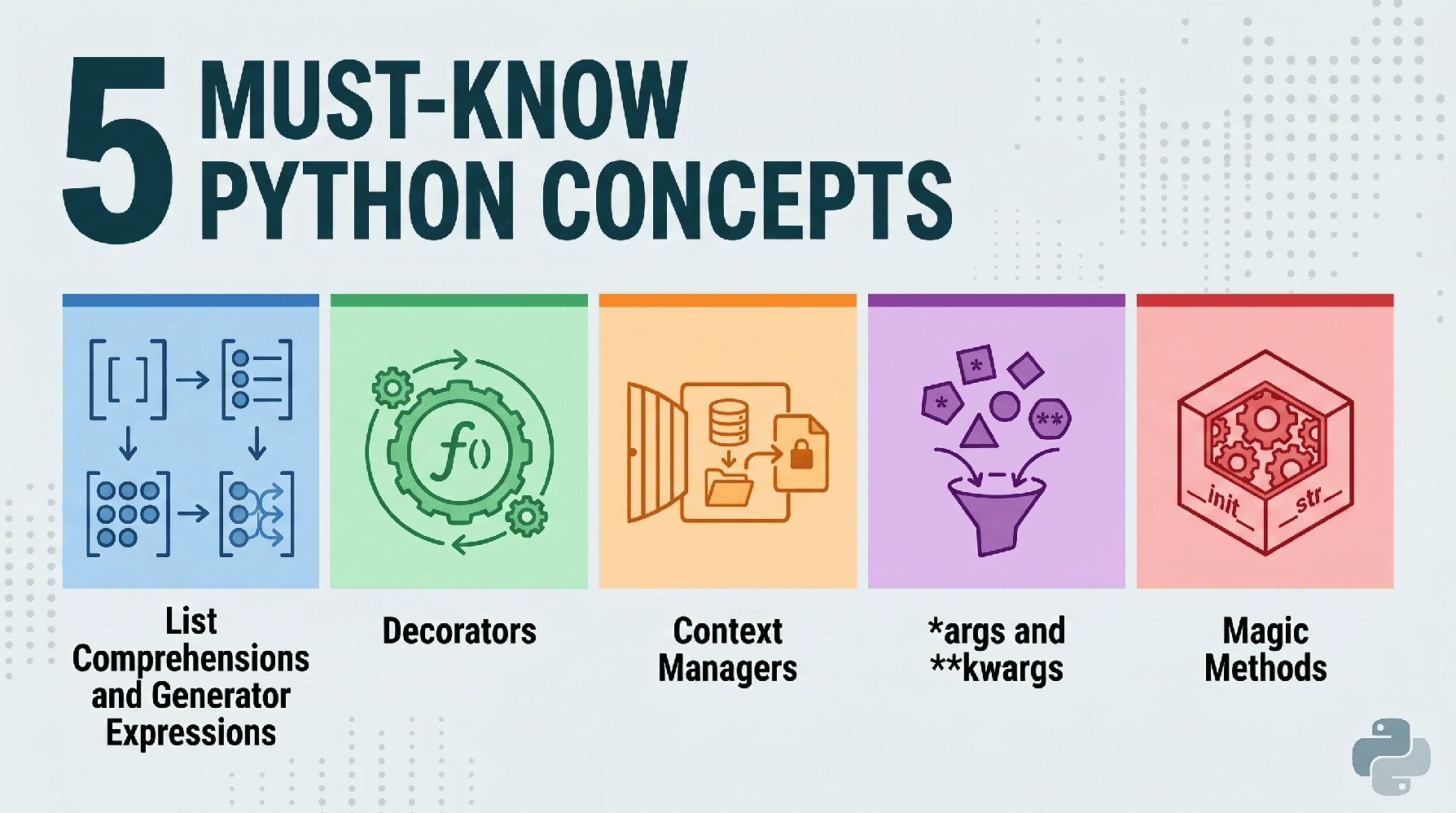
With that in mind, today we’ll explore five fundamental concepts that every Python developer should have in their toolbox.
1. List Comprehensions and Generator Expressions
Python is known for its readability. List comprehensions allow you to replace clunky loops with a single line of code. However, the real advantage here is knowing when to use a generator expression instead to save memory.
The Awkward Way (For Loop)
Let’s start with the “clunky”, inefficient, non-Python way of doing things:
numbers = range(1,000,000)

squared_list = []

for n in numbers:

    if n % 2 == 0:

        squared_list.append(n ** 2)
The Pythonic Way (List Comprehension)
Now let’s take a look at the Pythonic way of solving the same task:
# Concise and faster execution

squared_list = [n ** 2 for n in numbers if n % 2 == 0]


# The "need to know" twist: generating expressions

# If you only need to iterate once and don't need the whole list in memory:

squared_gen = (n ** 2 for n in numbers if n % 2 == 0)
Here’s why it’s important, beyond people telling you “that’s how it’s done in Python”: list comprehensions are faster than .append(). Generator expressions (using parentheses) are “lazy”: they produce elements one at a time, allowing you to process large data sets without exhausting your system’s memory.
Let’s see how to use the generator, one call at a time, using a generator expression:
numbers = range(1000000)
squared_gen = (n ** 2 for n in numbers if n % 2 == 0)
# Values are calculated only on request, not all at once
print(next(squared_gen))
print(next(squared_gen))
print(next(squared_gen))
2. Decorators
Decorators are a way to modify the behavior of a function or class without permanently changing its source code. Think of them as wrappers around other functions.
The Clumsy Way
If you want to record the execution time of several different functions, you can manually add a timing code to each function.
import time


def process_data():

    start = time.time()

    # ... function logic ...

    end = time.time()

    print(f"process_data took {end - start:.4f}s")


def train_model():

    start = time.time()

    # ... function logic ...

    end = time.time()

    print(f"train_model took {end - start:.4f}s")


def generate_report():

    start = time.time()

    # ... function logic ...

    end = time.time()

    print(f"generate_report took {end - start:.4f}s")
Note that the repetition makes the problem obvious: the same four lines duplicated in each function. Let’s see how a decorator function can solve this problem.
The Pythonic Way
Here’s a more Pythonic approach to this task.
import time

from functools import wraps


def timer_decorator(func):

    @wraps(func)

    def wrapper(*args, **kwargs):

        start = time.time()

        result = func(*args, **kwargs)

        end = time.time()

        print(f"{func.__name__} took {end - start:.4f}s")

        return result

    return wrapper


@timer_decorator

def heavy_computation():

    return sum(range(10**7))


heavy_computation()
See how timer_decorator() “wraps” the heavy_computation() function, and when the latter is called, it is encompassed by the former and benefits from it.
Decorators promote the “don’t repeat yourself” (DRY) principle. They are essential for logging, authentication, and caching in production environments.
3. Context Managers (With Statements)
Managing resources such as files, database connections, or network sockets is a common source of bugs. If you forget to close a file, you waste memory or lock the file from other processes.
The Clumsy Way
Here we open a file, use it and force it to close when it is no longer needed.
f = open("data.txt", "w")

try:

    f.write("Hello World")

finally:

    # Easy to forget!

    f.close()
The Pythonic Way
A with statement would help us with the above.
# The file is automatically closed here, even if an error occurs

with open("data.txt", "w") as f:

    f.write("Hello World")
Not only is it more concise, but the logic is also simpler and easier to follow – plus you get the easily forgotten close() for free, because the “setup” and “teardown” happen reliably. In terms of data tasks, this is useful when connecting to SQL databases or handling large input/output (IO) related tasks.
4. Master *args and **kwargs
Sometimes you don’t know how many arguments will be passed to a function. Python handles this elegantly using packing operators. Even as a beginner who may not have employed them, you have undoubtedly seen these “wrapper” operators at some point.
The Pythonic Way
Here is the Pythonic way to handle it:
*args(non-keyword arguments): a packing operator collecting additional elements positional arguments in a tuple. This is used when you don’t know how many elements will be passed to a function.**kwargs(argument keywords): a “packing” operator collecting additional elements named arguments in a dictionary. This is used for optional parameters or named parameters.
def make_profile(name, *tags, **metadata):

    # name is the named argument

    print(f"User: {name}")

    # tags is a tuple

    print(f"Tags: {tags}")

    # metadata is a dictionary

    print(f"Details: {metadata}")


make_profile("Alice", "DataScientist", "Pythonist", location="NY", seniority="Senior")
This is the secret of flexible libraries like Scikit-Learn or Matplotlib. It allows you to pass an arbitrary number of configuration parameters into a function, making your code incredibly adaptable to changing requirements.
5. Dunder Methods (Magic Methods)
“Dunder” means double underscore (e.g. __init__). Officially special methods (but more often called magic methods), these methods allow your custom objects to emulate built-in Python behavior.
The Pythonic Way
Let’s see how to use magic methods to add automatic behavior to our classes.
class Dataset:

    def __init__(self, data):

        self.data = data


    def __len__(self):

        return len(self.data)


    def __str__(self):

        return f"Dataset with {len(self.data)} items"


# Create a dataset instance

my_data = Dataset([1, 2, 3])

# Call __len__

print(len(my_data))

# Call __str__

print(my_data)
Using the built-in __len__ and __str__ dunders, our custom class gets useful features for free.
Dunder methods are the backbone of the Python object protocol. By implementing methods like __getitem__ or __call__, you can make your classes behave like lists, dictionaries, or even functions, leading to much more intuitive APIs.
Conclusion
Mastering these five concepts marks the transition from writing scripts to creating software. Using list comprehensions for speed, decorators for clear logic, context managers for security, *args/**kwargs for flexibility, and dunder methods for object power, you lay the foundation on which you can build your Python expertise.
Matthew Mayo (@mattmayo13) has a master’s degree in computer science and a graduate degree in data mining. As Editor-in-Chief of KDnuggets & Statology and Editor-in-Chief of Machine Learning Mastery, Matthew aims to make complex data science concepts accessible. His professional interests include natural language processing, language models, machine learning algorithms, and exploring emerging AI. It is driven by the mission to democratize knowledge in the data science community. Matthew has been coding since he was 6 years old.
For more information, visit here.
“`

