



When My Obsidian Journey Began
When I started my Obsidian journey, I was inspired by stunning, graph-heavy setups that looked like digital masterpieces, and for a year, I tried to force my brain into one of them. I spent more time perfecting nested folders and hunting for the perfect plugin than actually writing a single meaningful note.
But after months of friction and a total system collapse, I realized the problem wasn’t the app; it was my obsession with organization over output. Here is the streamlined folder structure that finally turned my Obsidian from a chore into a second brain.
Related
How I set up a local wiki for my projects using Obsidian
My secret weapon for project mastery
My Previous Obsidian Setup
A Lot of Manual Work
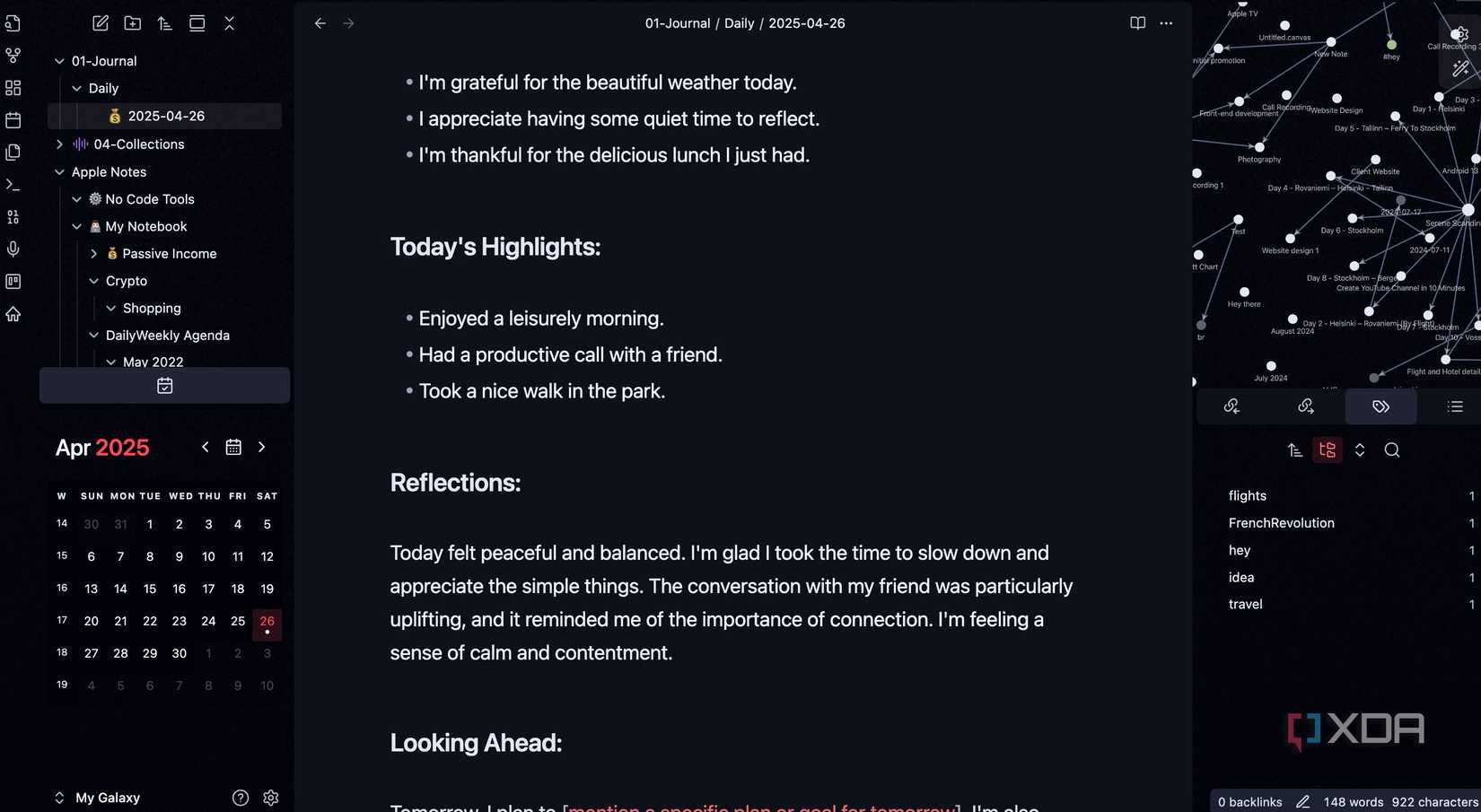
For the better part of the year, I had convinced myself that before I could write a single impactful sentence, I needed a sophisticated web of Dataview queries to track my mood, status, and energy levels for every single note.
It’s a trap because it feels like work. You are moving files, installing the latest community plugins, and tweaking the graph view endlessly until it looks like a digital galaxy. But in reality, I was just building a very expensive, time-consuming sandbox.
Every time I sat down to actually produce content, I would find myself distracted by a broken property in my frontmatter or a folder that didn’t feel quite right.
I eventually realized that if my note-taking app requires a 45-minute maintenance session every week just to function, it isn’t a productivity tool; it’s a hobby. It was a hobby that was killing my creative output.
Also, I used to be a folder maximalist. My logic was simple: A place for everything. My sidebar looked like a tower: Personal > Writing > 2026 > Blog Posts > Tech > Drafts > File.
Every time I had a quick idea, I had to go through four levels of folders. I would spend a couple of minutes deciding its destination instead of just writing the damn thing.
By burying my notes in nested folders, I was essentially archiving them the moment they were born.
Folders vs. Links
Finding the Balance
The hardest lesson I had to learn was that I was treating Obsidian like a Windows File Explorer. I was trying to make my folders do the heavy lifting of categorization, and it was a total disaster.
Eventually, it clicked: Folders are for location, but links are for context. I realized that folders should be boring. They should only tell me where a file is physically located in my vault.
Now, I use a very simple balance. For instance, I have a folder called Recipes where every single recipe lands. From there, I use tags like #Lunch, #Dinner, and more to organize them.
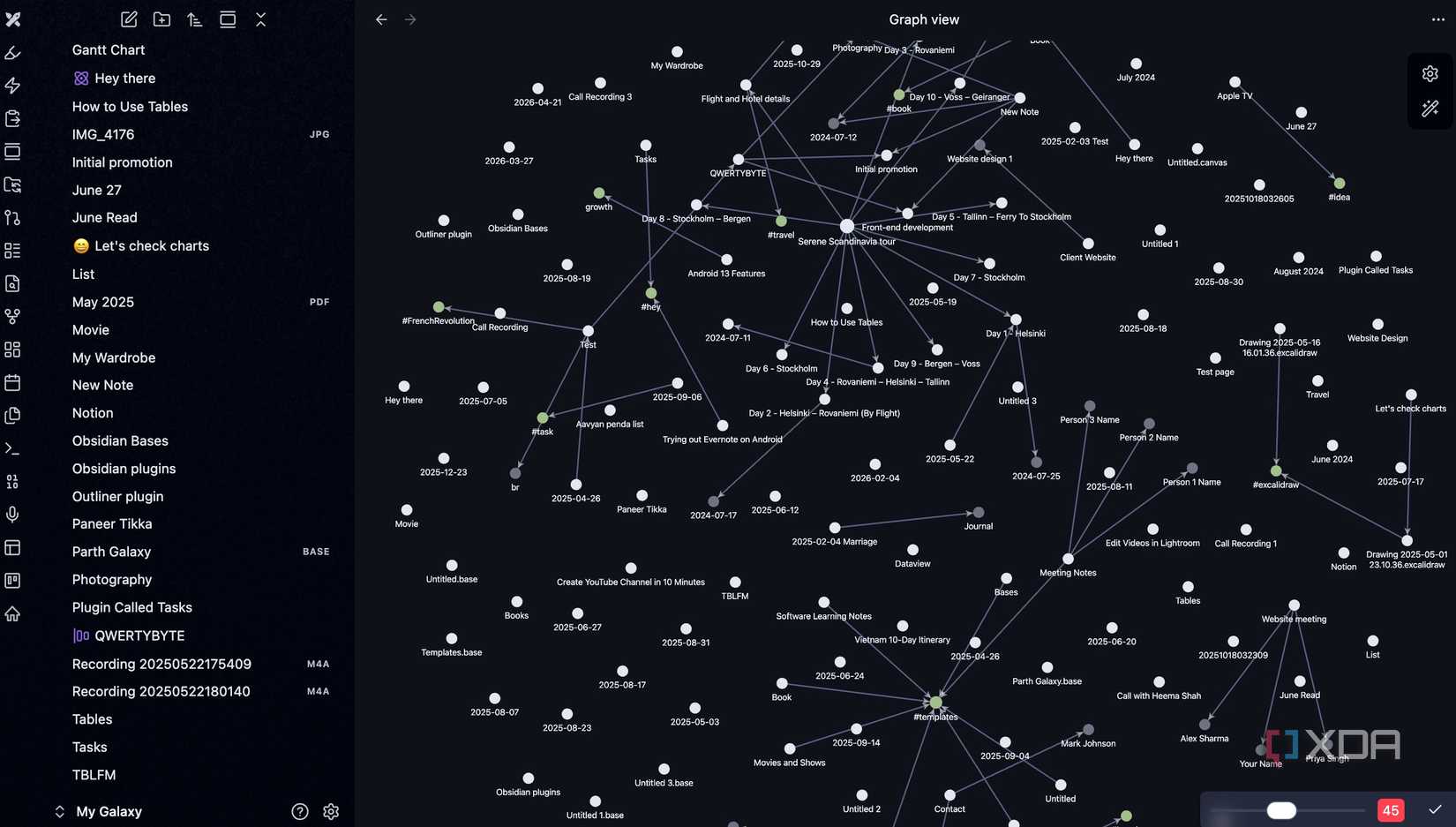
Also, in my previous Obsidian setup, I found myself ‘creating for the graph’ rather than creating for myself. I would write short, pointless notes just so I could see a new dot appear. I would force links between ideas that didn’t really belong together, just because I wanted to see more lines connecting the clusters.
I finally had to turn the Graph View off for a while. Now, instead of looking at the giant galaxy, I only use the Local Graph (the one that shows only the connections for the current note I’m writing).
My New Folder Setup on Obsidian
Just Copy My Tips
I have collapsed dozens of categories into just five primary buckets. If a folder doesn’t serve a functional purpose, it’s gone.
- Inbox: This is the landing pad. Every new note, random thought, or web clip goes here first. I don’t think about where it belongs yet. I just captured.
- System: This acts like the back office of my vault. This holds my templates, attachments, and any scripts. I never actually work in this folder; it just keeps the clutter out of sight.
- Active: This is for things with a deadline — current articles I’m writing, active projects, or meeting notes from this week. Here, I have created several sub-folders for clients so that my markdown files go into a specific folder only.
- Vault: This is the Evergreen home. Once a project is done or a note is processed, it is moved here. It’s one big bucket of knowledge.
The fifth one is the Recipes folder that I just mentioned above.
I stopped using tags to describe what a note is and started using them to describe what I need to do with it. I treat tags like a high-speed search filter.
For instance, I use #status/seed for rough ideas, #status/growth for notes I’m developing, and #status/evergreen for finished thoughts.
And instead of burying a note inside a sub-folder like Technology > Reviews > Smartphones, I just toss it into the vault and use backlinks.
If I’m writing about Samsung Galaxy S26 Ultra, I will link it to [[Smartphone]] and [[Samsung]]. Now, when I open my smartphone note, Obsidian automatically shows me every single review or thought I have ever had about phones in the Linked Mentions section.
Overall, I have moved away from the ‘The Perfect Folder’ mentality and toward this Capture > Tag > Backlink workflow.

Related
6 Obsidian features and plugins I regret not using earlier
Obsidian features I should’ve mastered sooner
Obsidian Without the Friction
There is no ‘perfect’ Obsidian setup, only the one that stays out of your way. If you are currently feeling buried under the weight of your own Obsidian organization, it’s time to simplify things.
It’s time to delete the folders you haven’t opened in months, flatten your hierarchy, and stop worrying about the right way to do things. After all, the most powerful system isn’t the one with complex organization or automation — it’s the one that requires the least maintenance.

OS Windows, macOS, Linux, iOS, iPadOS, Android
Individual pricing Free normally; $4/month for Obsidian Sync
Obsidian is a local-first personal knowledge management tool.
For more insights on how to optimize your Obsidian setup, visit the source: Here.
“`

