


A home lab can take on so many different forms, and for many, it starts with a bare install of a Linux OS that they’re familiar with. For me, that was Ubuntu, and while it was a distro I was intimately familiar with, running services on the bare metal came with a few very potent downsides, and it causes deferred upgrades, config rot, and ultimately, it causes you to feel like you’re walking on eggshells.
Almost nothing in my lab runs directly on the bare metal anymore, and the exceptions to the rule are very deliberate. Each service runs on its own container or virtual machine, complete with its own filesystem, dependencies, updates, and snapshots. The host runs Proxmox, and while I haven’t really had to do a full rebuild, running a hypervisor makes any potential disaster a lot easier to manage than it would be with all of the services living on a single OS.
One bad move in a container can be undone instantly
LXCs are OP
One of the most load-bearing containers in my lab is Immich, a self-hosted alternative to Google Photos and iCloud storage. It matches these services in functionality, offering features like face recognition and smart search powered by GPU acceleration.
Instead of using full PCIe passthrough to hand a GPU directly to a VM, an LXC offers more flexibility. The Nvidia driver needed for my server’s RTX 3080 is installed on the Proxmox host, but the container accesses it via bind mounts and cgroup permissions, allowing multiple containers to share the card. Full passthrough doesn’t offer this capability.
The catch is that the driver versions on both the host and container must match. An upgrade on one without updating the other can break the service, as I experienced when my Immich instance’s face recognition and search stopped working due to a version mismatch. Instead of endlessly troubleshooting, I rolled back the container from a snapshot and restored the library from a backup. This reverted the drivers to their compatible versions, resolving the issue.
Restoring from a snapshot on bare metal would have wiped all changes across the entire system, unlike restoring just the Immich service. That’s the major downside of running services on bare metal: you’d need to reinstall packages, reconfigure other services, and restore any other tweaks made in the meantime.

Isolation is valuable
A hypervisor gives that to you
In my home lab, each service operates within its own userspace, enhancing both experimentation and stability. If a service needs a new Node version or a different distro, I can spin up separate containers instead of trying to mix incompatible components.
Proxmox as a hypervisor transforms a home setup into a true “lab,” offering flexibility to test new distributions or software without risk. I can create and erase a container in about 30 minutes, leaving the host system untouched by leftover systemd units, databases, and other clutter.
While my lab also functions as a NAS, native ZFS allows storage to be pooled and bind-mounted to necessary containers, ensuring that container removal doesn’t endanger stored data.
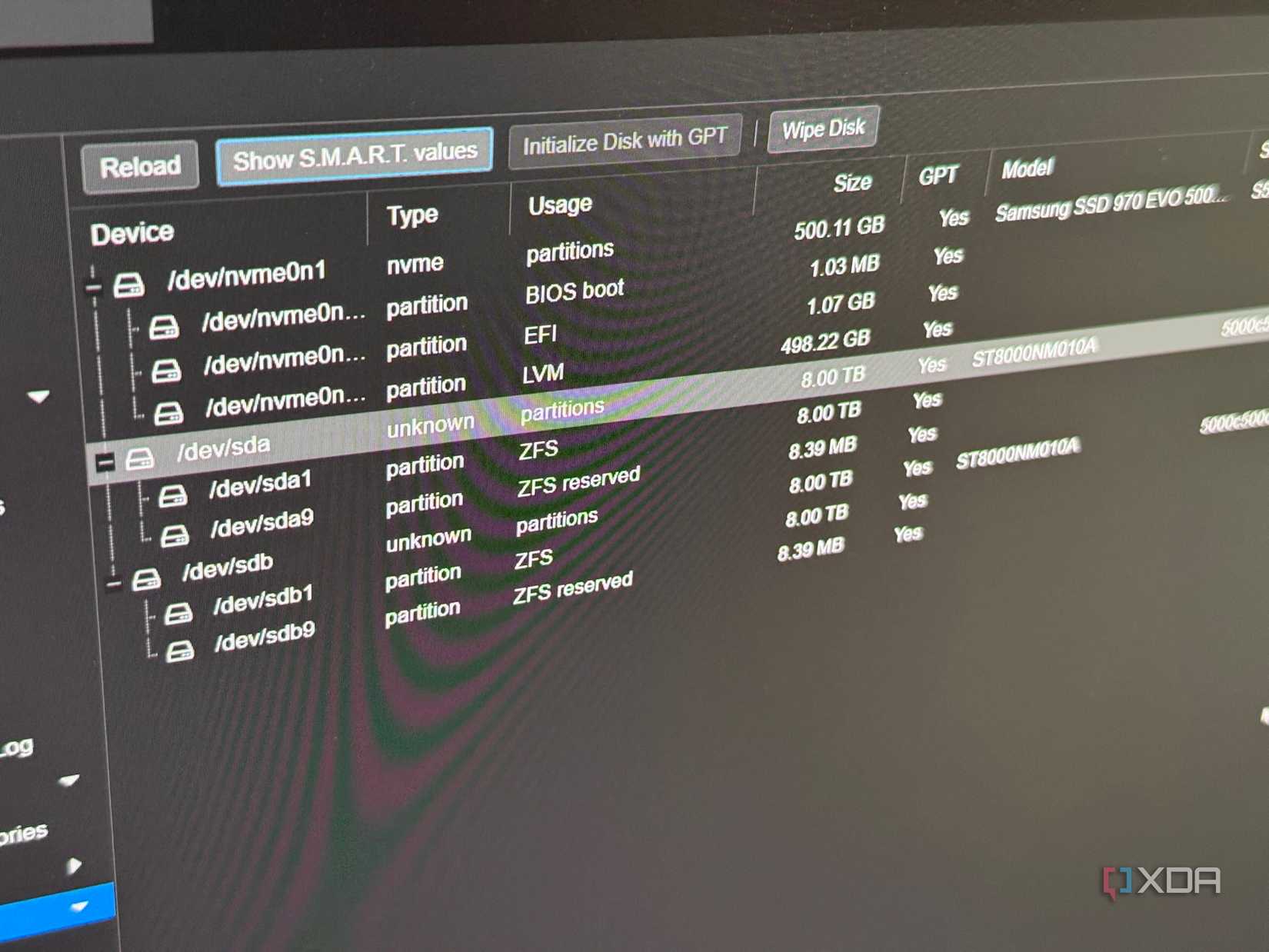
I do run certain things directly on the host
And I have a dedicated machine for bare metal use
The claim “nothing runs on bare metal” with Proxmox isn’t entirely true, as it installs Debian on hardware, forming the base layer. However, the services themselves don’t operate on the bare metal.
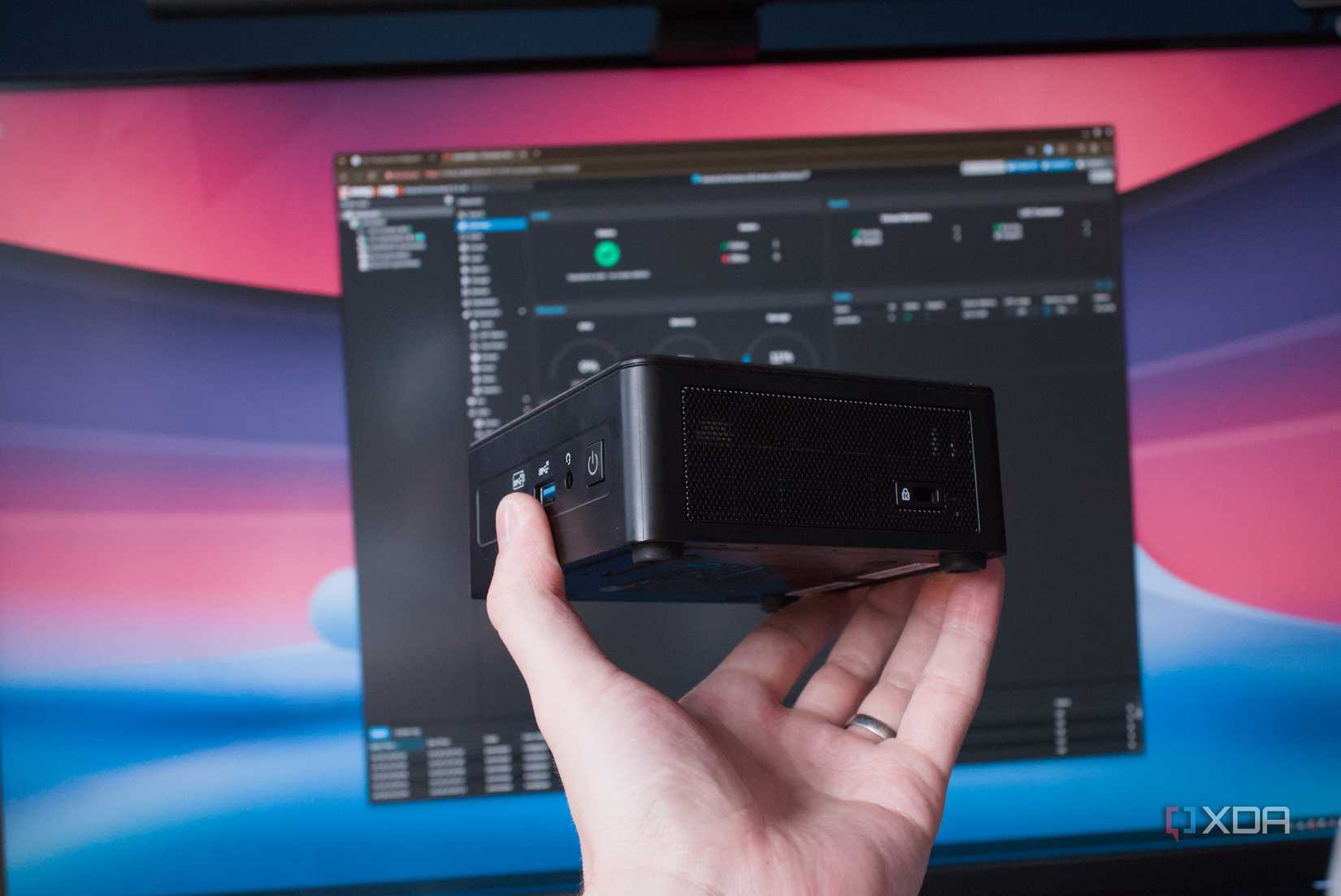
My lab includes a plain Ubuntu 26 LTS machine for local LLM testing, ensuring hardware remains localized during inference benchmarking. This setup is essential since my main rig’s RTX 3080 handles AI workloads, which could conflict with family uploads to Immich, triggering simultaneous facial recognition tasks.
A hypervisor with containerization should be the default for running services
Running a hypervisor like Proxmox in a home lab introduces some initial complexity, but it’s mostly at the beginning. Once past the initial setup hurdles, such as handling subscription warnings, creating containers and storage pools, and learning recovery methods, the benefits become apparent. While not foolproof without a solid plan, this approach is vastly superior to hosting all services on bare metal.
For more insights and details, visit the original article Here.
“`
